Software Internationalization Services for Multilingual Products
Your customers, crews and partners work in more than one language. Your software should too, from the first release rather than after an expensive retrofit. Globaprom builds web apps, portals and automations that are multilingual from the first commit: internationalized architecture, Unicode-clean data, and translation pipelines wired into professional workflows.
We ran a translation business for more than 20 years before we offered custom software development services. Multilingual delivery isn't a feature we bolt on. It's how we learned to build, and it comes with a fixed scope, a fixed price and a delivery date in weeks.
Why Most Software Fails Internationally (the Retrofit Trap)
Most software fails abroad for one reason: it was designed for one language and translated later. The words are only the visible layer. Underneath sit hardcoded strings, layouts sized for short English labels, date logic that assumes one calendar convention, and a database that stores text without asking what script it holds.
That costs you sales. CSA Research's "Can't Read, Won't Buy" study of 8,709 consumers across 29 countries found that 76% prefer to buy products with information in their own language, and 40% will never buy from websites in other languages. Fewer than 20% of the world's population speaks English, yet almost half of all websites are written in it (Statista, 2026). An English-only product competes for a minority of its market.
Retrofitting is the expensive fix. Adding languages to a monolingual codebase means touching every layer at once (UI strings, validation, emails, PDFs, database fields, search) while the product keeps shipping. Teams report two to five times more engineering effort for a retrofit than for building the same support in from the start (XTM, 2026). Most find out mid-project that they budgeted for translation and bought re-engineering.
We see the same failures so often that we cataloged them: why software fails internationally lists the seven mistakes we find most, and what each one costs to undo.
Internationalization (i18n) vs. Localization (l10n) vs. Translation
Sales calls use these three terms interchangeably. On an invoice they are separate line items, and mixing them up is how budgets go wrong.
- Internationalization (i18n) is engineering. The abbreviation counts the 18 letters between the "i" and the "n". It makes software able to handle any language, region or format without code changes: externalized text, encoding-safe data, locale-aware logic. You do it once, and every future market benefits.
- Localization (l10n) adapts the product to one market: the interface translation, plus formats, imagery, legal text, payment methods and tone.
- Translation is one task inside localization: turning text in one language into another.
Order matters. Internationalization is the foundation, localization repeats per market on top of it, and translation is a recurring content cost. Skip the first and every new market pays the retrofit tax again.
For the engineering side in plain English, read software internationalization explained. For why the two are quoted separately, see localization vs. translation. We have invoiced both sides of that line for two decades.
i18n Architecture: What to Build in from Day One
A multilingual-first architecture comes down to a short list of concrete decisions. Made at the start, each one costs little. Retrofitted, each one costs a lot. Here is what goes into every build we ship:
- Unicode everywhere. Unicode assigns a code point to every character in every writing system, and UTF-8 is its dominant encoding. Every database column, API, file export and email template we build is UTF-8 end to end, because one legacy component with a different encoding is enough to corrupt names and addresses. That garbage text has a name, "mojibake", and we dissect it in Unicode in business applications.
- Externalized strings. No user-visible text lives in code. Every label, error and email sits in resource files with stable keys, ready for translators. Sentences are never stitched together from fragments, because word order changes per language.
- ICU message formatting. ICU (International Components for Unicode) is the open-source library that handles plurals, gender, lists and formatted values per language. English has two plural forms, Arabic has six, and Polish rules change with the number itself. String templates can't cope with that. ICU can.
- CLDR locale data. CLDR (the Common Locale Data Repository, maintained by the Unicode Consortium) supplies the facts of each locale, a locale being a language-plus-region pair such as fr-BE: date patterns, number separators, currency symbols, sort orders. We use it instead of hand-maintained format tables.
- A translatable data model. UI strings are half the problem. Product names, categories, document templates and notifications live in the database, so the schema stores them per language from day one, usually behind a multilingual CMS or localized content fields.
- hreflang and locale routing. hreflang is the HTML annotation that tells search engines which language version of a page to show each user. We generate it from the locale configuration, never by hand.
- Pseudo-localization in CI. Pseudo-localization swaps text for accented, lengthened dummy strings such as "[!!! Àççôûñt Šéttîñgš !!!]" to expose hardcoded text and breaking layouts before a single word is translated.
The rest of our practices are collected in building apps for global users. In your build, the i18n acceptance criteria that enforce them go into the fixed scope.
RTL, CJK, and the Scripts That Break Naive UIs
Two script families expose weak internationalization faster than anything else. Catch them in testing and your users never see the breakage.
Right-to-left (RTL) scripts, Arabic and Hebrew, flip the reading direction of the entire interface. Proper RTL support means mirrored layouts (navigation, icons, progress flows), logical CSS properties instead of left/right values, and correct bidirectional text, where an Arabic sentence contains a Latin product code or a phone number reading the other way. A naive UI turns RTL text into visual scramble, and users notice within seconds.
CJK scripts (Chinese, Japanese, Korean) break different assumptions. No spaces between words, so line breaking has to understand the script. Denser characters, so type sizes and line heights tuned for Latin text become unreadable. Search, sorting and input methods behave differently too.
Then there's text expansion. German labels run roughly 30% longer than English, and even everyday words outgrow fixed-width buttons. Layouts have to be tested against real scripts, not translated last, so every multilingual build we ship is tested with pseudo-localization plus at least one RTL and one CJK locale.
Multi-Currency, Dates, Numbers, and Formats: the Details That Erode Trust
Formatting mistakes rarely produce bug reports. They produce quiet distrust, the sense that a product was built for somewhere else. Get them right and the software feels local in every market you sell to.
- Currency. Multi-currency pricing means per-market prices with controlled rounding, not exchange-rate math at render time. It also means respecting minor units: the Japanese yen has no decimals, and some currencies use three. Storage, rounding and display rules are in multi-currency support in software.
- Dates and times. 04/07/2026 is April in New York and July in Brussels. We render dates per locale from CLDR patterns and store timestamps in UTC with explicit time zones, which also keeps cross-border reporting honest.
- Numbers. 1.500 is one and a half in the US and fifteen hundred in Germany. Decimal and grouping separators must follow the locale on screen and in input parsing, or an import quietly corrupts financial data.
- Names and addresses. Name order, honorifics, postal formats and phone conventions vary per market. Forms that force a US structure turn away valid customers.
Each detail is small. Together they decide whether a Belgian buyer, a Saudi dispatcher or a Japanese plant technician treats the software as theirs.
Translation Pipelines: Connecting Your App to Professional Translation Workflows
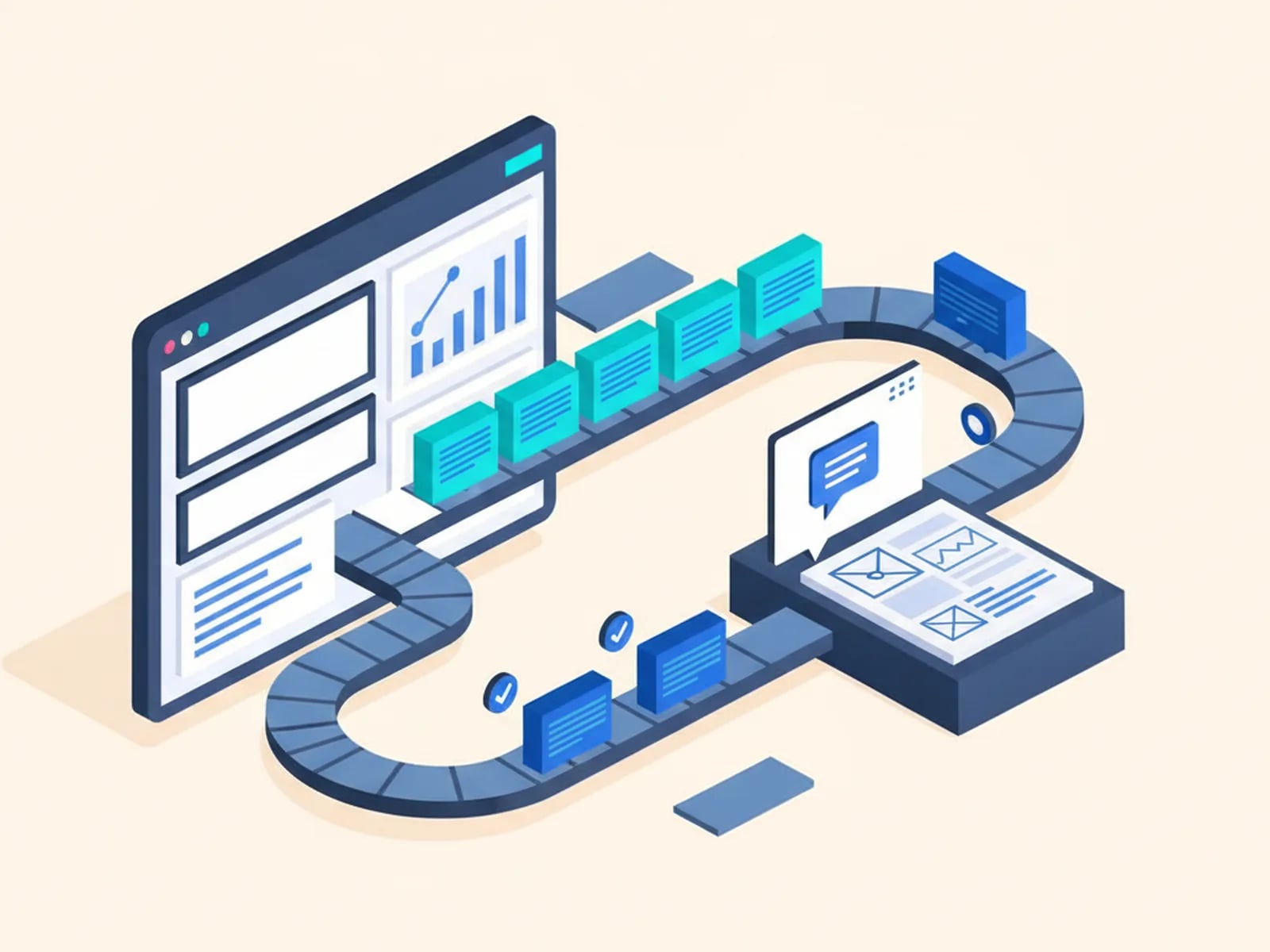
Translation pipelines are our home turf. A translation pipeline is the automated route your content takes from the codebase to translators and back. It keeps multilingual software current, release after release, instead of translated once and left to go stale.
A production pipeline has five stages:
- Extraction. New and changed strings are detected automatically on every release. Nobody emails spreadsheets.
- TMS handoff. A translation management system (TMS) routes content to translators and tracks progress. It applies translation memory (approved translations, reused instead of paid for twice) and terminology glossaries, so your product vocabulary stays consistent across releases and languages.
- Translation. Human translators, machine translation, or machine translation post-editing (MTPE: machine output reviewed and corrected by a professional), chosen per content type. Legal text and UI strings earn human care. Bulk catalog descriptions often justify MTPE.
- Review in context. Translators see strings where they appear, not in a spreadsheet column. Most translation defects are context defects.
- Merge and deploy. Approved translations pass the same review gates as code. With continuous localization the loop runs on every release, so no language ever waits for a "translation phase".
We ran workflows like these across dozens of language pairs for over 20 years, as the translation provider, coordinating hundreds of professional linguists against fixed deadlines. Tool choices and the full architecture are in our guide to translation pipelines.
How We Build Multilingual-First: Heritage as Proof
Globaprom grew out of BeTranslated, a global translation business we founded and still run (the story behind Globaprom). You see that heritage in the work, in specific and checkable ways:
- We were our own first client. Our multilingual invoicing, quoting and vendor-portal systems were built for our own translation operations: multi-currency, multi-locale, and in production for years before we sold a single build.
- Locales are scoped, not assumed. Every project starts with a locale matrix: which languages, scripts, currencies and formats you need now, and which you will plausibly need later. The i18n acceptance criteria go into the fixed scope.
- AI-assisted speed, human-reviewed quality. We build with AI-assisted development. Generated code defaults to English assumptions unless the pipeline forbids it, which is why code review and pseudo-localization tests in CI enforce the i18n checklist above.
- You don't have to organize translation. Through our network of professional linguists we connect your TMS, arrange human translation or MTPE, and hand over a running pipeline, not a folder of strings and good wishes.
Few custom software agencies can make all four claims. That's why we lead with them.
Multilingual Software by Industry
Every industry has its own multilingual pressure points, and each of our industry practices covers them by default:
- Logistics. Customs documentation, multilingual driver apps and partner portals for cross-border freight, all core to our custom logistics software work.
- E-commerce and retail. Localized storefronts, multilingual catalogs and translation-connected PIM systems. See custom ecommerce development.
- Manufacturing and field service. Translated digital work instructions and inspection apps for global plants and mixed-language crews. See custom manufacturing and field service software.
- IT teams. Employee portals and admin tools for distributed workforces, part of our custom internal tools and IT automation practice and the subject of software for global teams.
- Small businesses. Multi-currency invoicing and quoting tools that let a five-person firm serve clients in three countries. See custom software for small business.
Whatever your sector, the languages you need are written into the fixed scope from the start.
Case Study: Multilingual Delivery in Practice
C21 Perdomo: multilingual website and tracking system. For this real-estate agency we built a new multilingual, AI-assisted website with an integrated tracking system, internationalized from the first commit rather than retrofitted. Locale-aware content and a multilingual interface went live as one coherent system.
More project write-ups are in our case studies.
Frequently Asked Questions About Multilingual Software
What is multilingual software development?
Multilingual software development is building applications that operate correctly in multiple languages, scripts, and regional formats. It combines internationalization (i18n), the engineering that makes any language possible, with localization (l10n) and translation workflows that deliver each specific market's version.
What is the difference between internationalization and localization?
Internationalization (i18n) is one-time engineering that makes software capable of supporting any language: externalized strings, Unicode data, locale-aware formatting. Localization (l10n) is the per-market work on top: translating content and adapting formats, currencies, and conventions for one specific audience.
Does building multilingual from day one cost more?
Marginally, yes: externalized strings, UTF-8 discipline, and locale-aware formatting add little when designed in from the start. Retrofitting the same capability later means reworking every layer of a live product, at two to five times the engineering effort (XTM, 2026).
Can you add languages to existing software?
Yes. We internationalize existing codebases incrementally: audit encoding and hardcoded strings, externalize text, fix formatting logic, then connect a translation pipeline. The audit comes first, because the honest answer on effort depends on how deeply English assumptions are baked in.
How do translation updates get into the software?
Through a translation pipeline. New and changed strings are extracted automatically, routed to a translation management system (TMS), translated by humans or via machine translation post-editing (MTPE), reviewed in context, and merged back on each release. No spreadsheets, no stale languages.
Do you translate the content yourselves?
We arrange it. Globaprom grew out of a translation business with 20+ years of operations across dozens of language pairs, so we connect your product to professional linguists through the pipeline we build. You choose human translation, MTPE, or a mix per content type.
Build It Once, Sell It Everywhere
Tell us which markets your software needs to serve: languages, scripts and currencies. You get a fixed scope, a fixed price and a delivery date in weeks, with the translation pipeline in the plan and the code yours at handover.