Software for Global Teams: Internal Tools That Cross Borders
Software for global teams: employee portals, dashboards, and internal tools built for many time zones, languages, and regions, not one head-office locale.
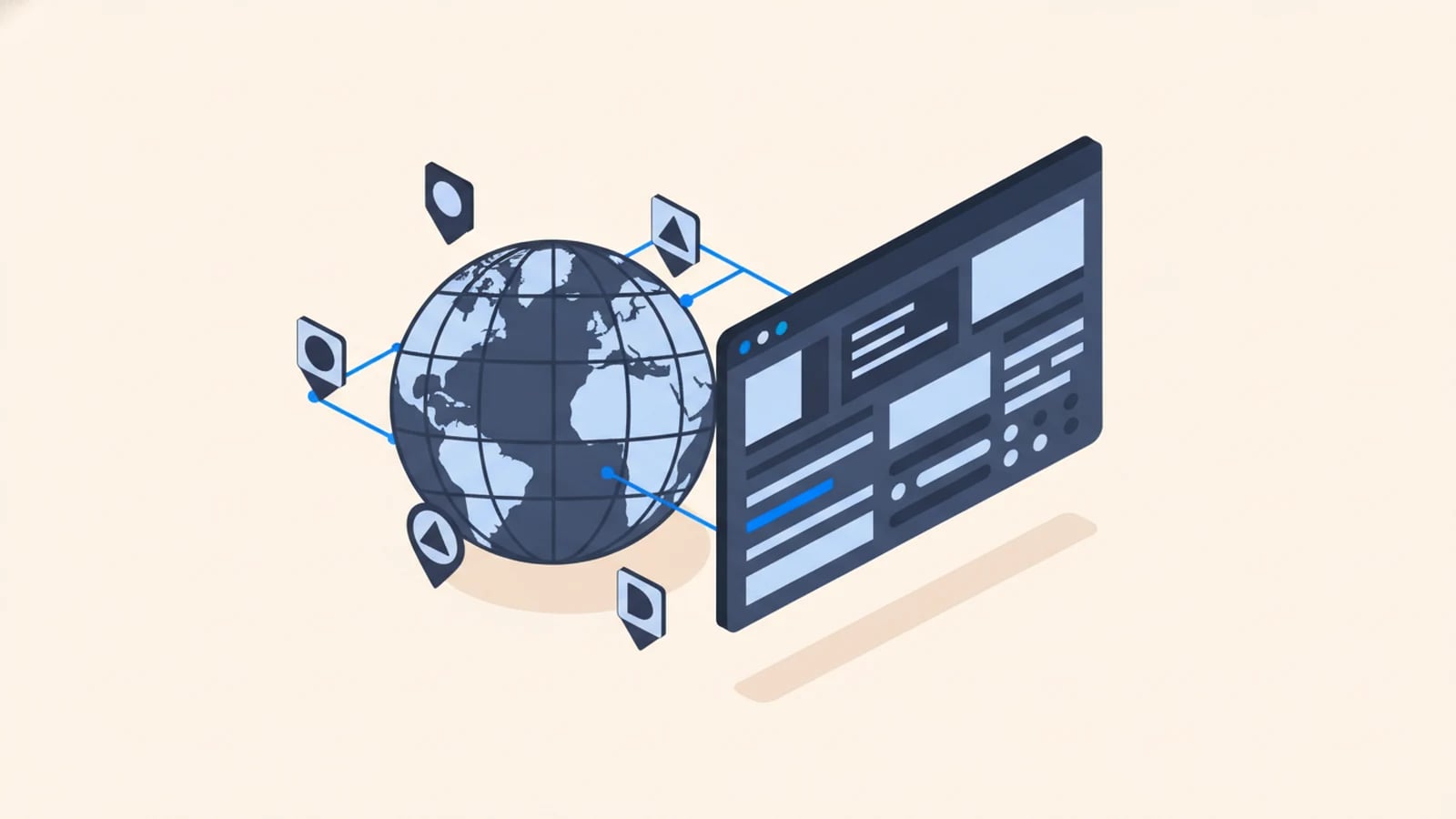
Software for a global team has to work for people who don't share a time zone, a language, or a working day. The dashboards, portals, and internal tools that run smoothly for a single head office quietly break when the team is spread across three continents: a timestamp that means one thing in Valencia and another in Houston, an interface only the English-first half of the staff can use comfortably, an approval that waits overnight because the approver was asleep. These aren't translation problems. They're design problems, and they need solving in the tooling itself.
We've run a distributed team for over twenty years. BeTranslated, the translation business Globaprom grew out of, coordinated hundreds of linguists across dozens of countries and time zones long before "remote-first" was a slogan, so the failure modes below are ones we've lived, not imagined. Building internal software that holds up across borders draws on both our multilingual software development practice and the custom internal tools and IT automation work.
What "Global Team" Does to Internal Software
A tool built for one office makes silent assumptions: everyone's in the same time zone, reads the same language, works the same hours, and sits under the same regional rules. Every one of those assumptions is wrong for a distributed team, and each wrong assumption becomes a daily friction.
The friction is expensive because internal tooling is already a large hidden cost. Retool's State of Internal Tools report (2022) found developers spend about a third of their working time building and maintaining internal tools, and a global team's tools carry extra requirements on top. Meanwhile the systems keep multiplying: Zylo's SaaS Management Index (2026) counts 305 SaaS applications at the average company, each holding a slice of the truth in its own regional format. Software for a global team has to hold all of that together across borders, not just within one.
Time Zones Are a Data Problem, Not a Display Preference
The most common global-team bug is a time zone bug, and it starts in the database, not the interface.
The rule is simple and constantly broken: store every timestamp in UTC with an explicit time zone, and convert to the viewer's local time only at display. Get this wrong and a report filed "yesterday" spans two calendar dates depending on who's reading it, a deadline set for "5pm" is ambiguous across offices, and a scheduled job fires at the wrong local hour. A shift handover between a Manila team and a Berlin team turns into a guessing game about which day a record belongs to. Handle time as data, from UTC storage up, and every clock in the system agrees. Treat it as a display preference bolted on late, and cross-border reporting quietly disagrees with itself.
Your Own Staff Are Multilingual Too
Multilingual software is usually pitched as a customer feature. For a global team, it's a staff requirement, and it's easy to forget because the people building the tool often share a language.
Around three-quarters of internet users have a primary language other than English (Internet World Stats, 2020), and your workforce reflects that. A warehouse worker in one country, a support agent in another, and a finance clerk in a third will each use an internal tool faster and more accurately in their own language. The same internationalization (i18n) that makes a customer product language-ready makes an employee portal language-ready, and it costs the same little-if-built-in, multiples-if-retrofitted. An internal tool nobody has to fight in a second language gets used correctly. One that assumes head-office English gets worked around, and the workarounds are where errors live.
Access, Roles, and Regions
A global team also spreads across regulatory borders, and internal software has to respect who can see and do what, where.
Two mechanisms carry most of this. Role-based access control assigns permissions to roles and roles to people, enforced on the server, so a regional manager sees their region and not the whole company. Single sign-on ties the tool to your identity provider, so a joiner or leaver in any office is granted or cut off in one place, not tool by tool. Data-residency rules add a third layer: some regions require certain data to stay within their borders, which is an architecture decision, not a setting. Build for it once, or discover it during an audit. Getting access right across regions is one of the recurring reasons a global team outgrows a generic internal-tool platform and needs something shaped to its own structure.
Employee Portals for a Distributed Workforce
When a team is in one building, the noticeboard, the hallway, and the shared drive fill the gaps. When it's distributed, those gaps have to be a tool, and that tool is usually an employee portal.
A portal for a distributed workforce pulls the scattered internal functions into one place: HR requests, IT tickets, shared knowledge, company updates, each in the user's language and time zone. It replaces the assumption that everyone overhears the same things, which stops being true the moment the team crosses borders. We treat these as first-class internal builds, covered in the custom internal tools and IT automation practice, because a distributed team without a shared internal home routes around the gap with private chats and personal spreadsheets, and that shadow tooling is exactly the untracked risk a portal exists to remove.
Async by Default: Tools That Don't Assume a Shared 9-to-5
A team across enough time zones has no shared working hours, so any tool that requires everyone online at once has already failed part of the team. So make asynchronous work the default, not the fallback.
That means status and progress visible without a meeting, approvals that queue and notify rather than block on a live conversation, and every workflow leaving a written trail a colleague in another time zone can pick up hours later. Our own internal reconciliation platform is built this way: it matches payments against purchase orders across five banking and payment systems, flags anything that doesn't reconcile, and saves us roughly 10 hours a week, precisely because nobody has to be online at the same moment to keep it moving. It runs, it queues the exceptions, and whoever's awake handles them. Software built async-first lets a global team hand work around the clock instead of stalling every time the sun sets on one office.
Frequently Asked Questions About Software for Global Teams
What kind of software do global teams need?
Internal tools built for many time zones, languages, and regions: employee portals, dashboards, and workflows that store time in UTC, present in each user's language, enforce region-aware access, and work asynchronously. The difference from single-office software is that none of those can assume one shared locale or working day.
How should software handle time zones for a distributed team?
Store every timestamp in UTC with an explicit time zone, and convert to the viewer's local time only when displaying it. This keeps reports, deadlines, and scheduled jobs consistent for everyone, regardless of location. Handling time as a display setting bolted on late is what makes cross-border reporting disagree with itself.
Do internal tools need to be multilingual?
For a global team, yes. Around three-quarters of internet users have a primary language other than English, and staff use internal tools faster and more accurately in their own language. The same internationalization that makes a customer product language-ready does the same for an employee portal, cheaply if built in from the start.
How do you manage access for teams across different countries?
With role-based access control assigning permissions per role, single sign-on tying access to your identity provider so joiners and leavers are handled in one place, and architecture that respects data-residency rules where a region requires data to stay within its borders. Region-aware access is a common reason global teams outgrow generic tools.
Should a global team build or buy its internal tools?
Buy commodity functions every company shares, and build the tools that carry your specific cross-border workflow, access rules, or languages, which generic platforms handle badly. The deciding factors are usually per-seat cost at scale, region-aware access, and multilingual staff needs that off-the-shelf internal-tool platforms weren't designed for.
Build Tooling Your Whole Team Can Actually Use
Tell us where your team sits, which languages they work in, and which internal tool causes the most friction across borders. We'll scope it for time zones, languages, and region-aware access from the start, and reply with a fixed price and a delivery date measured in weeks.
Keep reading

Need software that speaks every market from day one?
Tell us what you need built. We reply with a fixed scope, a fixed price, and a delivery date measured in weeks.