Unicode and Character Encoding: Why Your App Breaks in Other Languages
Unicode and character encoding in business apps: how 'José' becomes 'José', why it happens, and what UTF-8-everywhere actually requires in production.
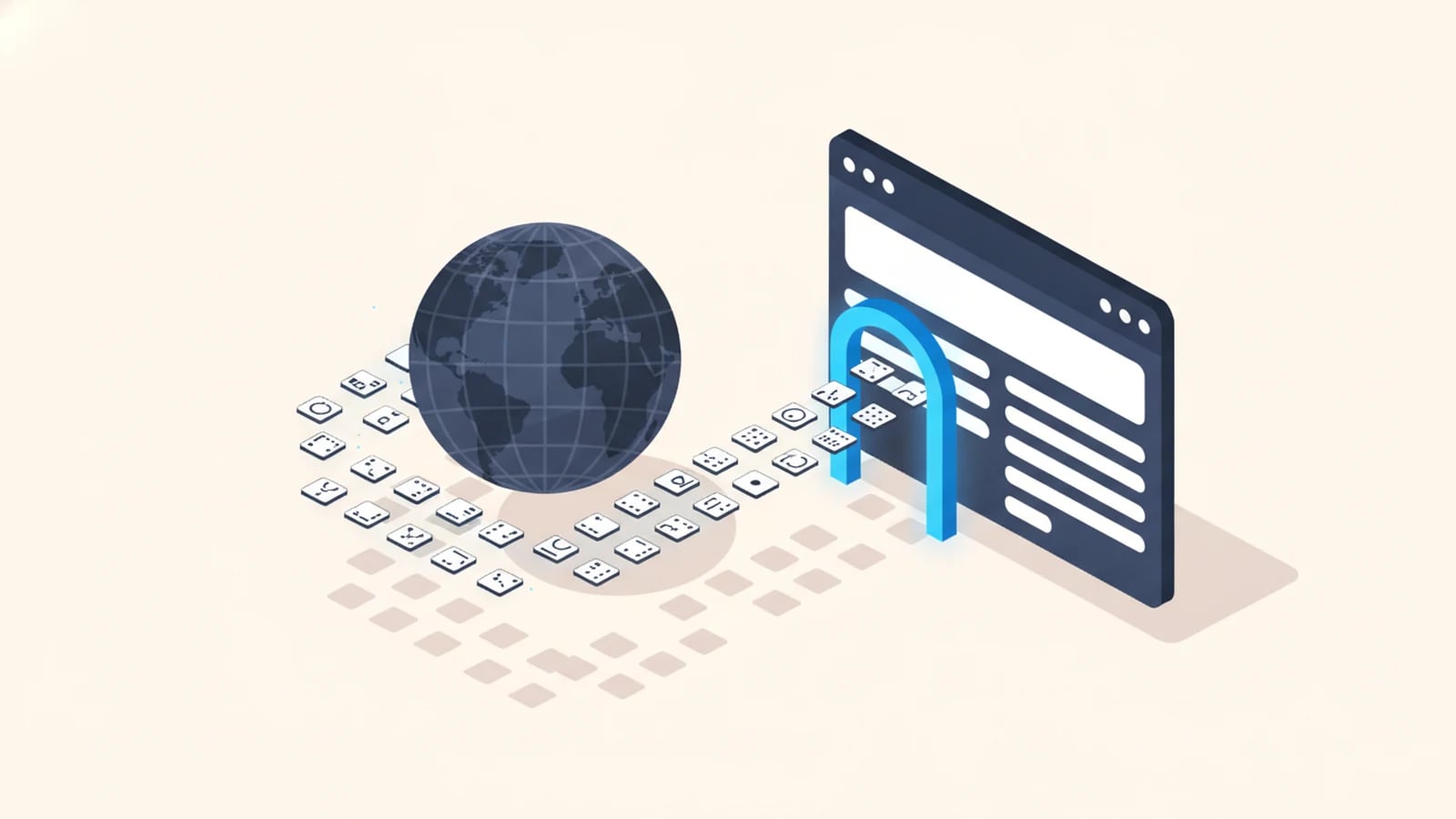
Unicode is the standard that gives every character in every writing system, from "A" to "あ" to "🚀", a unique number. Character encoding is the separate step that turns those numbers into bytes a computer can store and send. Most software that "breaks in other languages" isn't failing at translation. It's failing at this earlier, invisible layer, and the failure has a name: mojibake, the garbled text you get when the bytes are read back with the wrong encoding.
We promised a closer look at that failure in multilingual software development and in internationalization (i18n), explained, where a customer named José turns into "José" on a label or an invoice.
Unicode and UTF-8 Are Not the Same Thing
The two terms get used interchangeably, and that habit is the root of most confusion.
Unicode is a map. It assigns every character a code point: a number, written as U+XXXX. The letter "A" is U+0041. The Chinese character "中" is U+4E2D. The map alone doesn't say how to store that number as bytes on disk or send it over a network.
UTF-8 is one way to encode that map into bytes. It's the dominant one: UTF-8 now carries 99% of all websites whose encoding is known (W3Techs, 2026). It represents each code point using between 1 and 4 bytes: plain English letters and numbers take 1 byte (identical to old ASCII, which is why UTF-8 is backward-compatible with it), accented Latin characters typically take 2 bytes, most Chinese, Japanese, and Korean characters take 3, and emoji take 4.
Older encodings map the same byte values to different characters entirely. Windows-1252 and Latin-1 (ISO-8859-1), both common on older Windows and legacy database systems, use a single byte per character and cover only Western European scripts. Feed UTF-8 bytes to software expecting Windows-1252, or the reverse, and you get valid-looking output that is quietly wrong. That mismatch is mojibake, and it is completely mechanical: nothing is "corrupted" in the sense of lost data, the same bytes are just being read with the wrong rulebook.
Mojibake, Explained: How "José" Becomes "José"
Walk through the actual bytes and the failure stops looking mysterious.
In UTF-8, the accented character "é" encodes as two bytes: 0xC3 0xA9. So "José" as UTF-8 is the byte sequence for J, o, s, then 0xC3 0xA9, then the closing character.
Now suppose that byte sequence gets handed to a system that reads it as Windows-1252 instead of UTF-8, a mismatch that happens constantly when data crosses between a modern app and an older database, export tool, or partner system. Windows-1252 doesn't know those two bytes are one character. It reads them as two separate characters: 0xC3 renders as "Ã" and 0xA9 renders as "©". The single letter "é" becomes the two-character sequence "é", and "José" becomes "José" on the screen, the label, or the invoice.
The same mechanism produces every other mojibake pattern you've likely seen: curly quotation marks turning into strings like “ and â€\x9d, or an em dash becoming —. Every case is one encoding's bytes read through a different encoding's rulebook. Once you can name the two encodings in conflict, the fix is usually a config change, not a rewrite.
Where Encoding Bugs Actually Bite a Business
Mojibake on a screen is the visible symptom. The costlier failures happen underneath it.
- Corrupted names on customer-facing documents. Shipping labels, invoices, and contracts with a customer's name rendered as "José" instead of "José" look careless at best and reach the wrong address at worst, a real risk in logistics customs paperwork and carrier data, where a name or address has to match a government filing exactly.
- Broken search and lookups. If a name is stored with one encoding and searched with another, the byte sequences don't match, and a real customer record returns zero results. Support teams learn to work around this manually long before anyone diagnoses the encoding mismatch behind it.
- Silent data truncation. A database column sized in bytes, not characters, can cut a multi-byte character in half mid-insert, corrupting the last character of a name or leaving a broken byte sequence that fails validation later, often in a completely different part of the system.
- Emoji and CJK characters vanishing outright. MySQL's historically named
utf8character set only ever stored up to 3 bytes per character, enough for most Latin, Cyrillic, and common CJK characters, but not enough for emoji or some CJK extension characters, which need 4. Text containing them didn't get garbled; it got rejected or silently truncated, until MySQL's real full-UTF-8 option,utf8mb4, is used instead. - Legacy exports poisoning modern systems. A CSV or EDI feed from an older ERP or partner system, still emitting Windows-1252 by default, imports cleanly at first glance and corrupts every accented name the moment someone opens it in a UTF-8-native tool.
None of these show up in a demo with English test data. They surface the first time a real customer named François, Björn, or 田中 enters the system, which is exactly why encoding bugs are so often discovered in production instead of QA.
The Legacy Encodings Still Causing Trouble
Three encodings account for nearly every mismatch a business system still hits: plain ASCII (English letters, digits, and basic punctuation only, no accents or non-Latin scripts at all), Latin-1 / ISO-8859-1 (one byte per character, Western European accents only), and Windows-1252 (Microsoft's near-superset of Latin-1, the default on older Windows software and a frequent source of the curly-quote mojibake pattern above).
They persist in specific, predictable places: databases created years ago with a default charset nobody revisited, CSV exports from older accounting or ERP systems, EDI messages from logistics and freight partners running decades-old formats, and PDF generation libraries that assume a narrow character set unless told otherwise. Every one of these is a boundary where data crosses from one system to another, and boundaries are exactly where encoding assumptions go unstated and mismatched.
What "UTF-8 Everywhere" Actually Requires
"Just use UTF-8" is correct advice that undersells the work. Full UTF-8 support means setting it explicitly at every layer, not assuming it propagates on its own.
- Database charset and collation. UTF-8 declared on the database, every table, and every column, not just the connection. In MySQL specifically, that means
utf8mb4, not the legacyutf8alias. - HTTP and file headers. Every API response and file export states its encoding explicitly (
Content-Type: text/html; charset=utf-8), rather than leaving clients to guess. - CSV exports with a BOM when Excel is the destination. Excel often misreads a plain UTF-8 CSV as Windows-1252 unless a byte-order-mark (BOM) is present, the single most common "why does my export look broken in Excel" support ticket.
- Font glyph coverage. A correctly encoded Cyrillic or CJK character still renders as a blank box ("tofu") if the chosen font has no glyph for it. This is a design problem, not an encoding one, but it looks identical to the user.
- Validation at every boundary. Uploads, API inputs, and partner data feeds get their encoding checked and normalized to UTF-8 on the way in, so garbled bytes never make it into storage in the first place.
Get all five right once, at the architecture level, and character encoding stops being something anyone thinks about. Miss one, and it resurfaces as a support ticket every time a name with an accent, an emoji, or a non-Latin script reaches that particular boundary.
Frequently Asked Questions About Unicode and Character Encoding
What is Unicode?
Unicode is a standard that assigns a unique number, called a code point, to every character in every major writing system. It is a map from characters to numbers. It does not, by itself, define how those numbers are stored as bytes.
What is the difference between Unicode and UTF-8?
Unicode is the character map; UTF-8 is one encoding that turns Unicode code points into bytes, using 1 to 4 bytes per character. UTF-8 is the dominant encoding on the web today, carrying 99% of websites whose encoding is known (W3Techs, 2026).
What is mojibake?
Mojibake is garbled text produced when bytes encoded in one character set are read back using a different one. It is mechanical, not random: the same wrong-encoding mismatch always produces the same garbled pattern, such as "José" becoming "José".
Why does my software show weird characters like "é" instead of accented letters?
A component in the system, often a database, export tool, or older partner feed, is reading UTF-8 bytes as Windows-1252 or Latin-1. The fix is to identify where the mismatch happens and set that component to UTF-8 explicitly, not to re-enter the data.
How do I fix character encoding problems in existing software?
Audit every boundary: database charset and collation, file exports, API headers, and partner data feeds, and set each explicitly to UTF-8 (utf8mb4 if the database is MySQL). We run this audit as part of scoping on every multilingual build; request a fixed-price quote and it's included.
Get Software That Handles Every Character Correctly
Tell us what your software needs to support, including the names, scripts, and partner data feeds it has to handle correctly. We reply with a fixed scope, a fixed price, and a delivery date.
Keep reading

Need software that speaks every market from day one?
Tell us what you need built. We reply with a fixed scope, a fixed price, and a delivery date measured in weeks.