Global App Best Practices: A Checklist for Building Software That Works Worldwide
Best practices for building apps that work worldwide: a checklist for architecture, testing, translation flow, and a launch that holds up across markets.
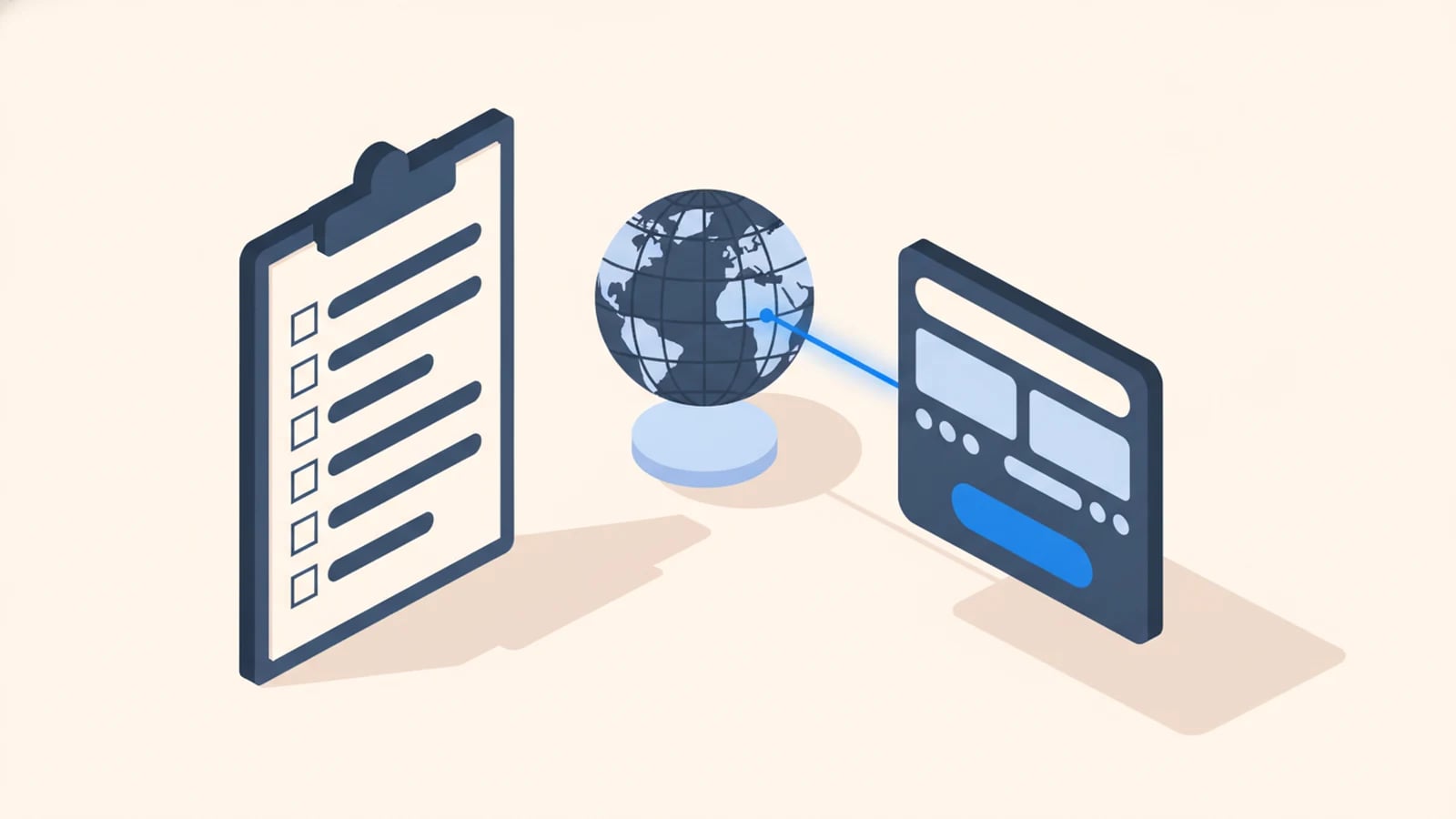
Building an app that works worldwide is less about any single technical trick and more about a handful of habits applied from the first day of the project. Decide your markets before you write code, build the language-ready architecture in from the start, design for text that grows, test against real scripts early, and treat translation as part of every release rather than a phase at the end.
Get those habits right and adding a market becomes a configuration change. Get them wrong and each new country is a small crisis. We learned them on real builds in our multilingual software development work. The stakes are commercial: CSA Research's survey of 8,709 consumers across 29 countries found 76% prefer to buy in their own language and 40% won't buy in other languages at all (CSA Research).
Start With a Locale Matrix, Not a Language List
The first mistake is treating "make it multilingual" as a translation task. It's a scoping task, and it starts with a locale matrix.
A locale is a language-plus-region pair, like fr-BE or es-MX, and it carries more than words: a script, a currency, date and number formats, and legal conventions. Before design begins, write down which locales you need now and which you can plausibly need later. That single document drives a dozen downstream decisions, from which scripts your layouts must survive to which currencies your pricing engine must store. Skip it and you discover your requirements one production bug at a time. Write it, and internationalization acceptance criteria go straight into the scope, where they belong.
Build the Architecture in From Commit One
The cheapest time to make software language-ready is at the beginning, when it costs almost nothing. The most expensive time is after launch, when it costs multiples.
The core moves are well established: keep every user-visible string out of the code and in resource files, store all data as UTF-8 end to end, and format dates, numbers, and currencies from standard locale data rather than hardcoded patterns. The engineering layer behind these decisions is covered in internationalization (i18n); chosen up front, they cost close to nothing. Retrofitting the same capability into a live product runs two to five times the engineering effort (XTM, 2026), because every layer has to be reopened at once. Build it in, and you never pay that tax.
Design for Text That Grows
Interfaces designed around English break the moment they hold another language, and the break is usually about space.
Translated text rarely matches the length of the original. Longer passages typically grow by about 30% when translated from English into European languages, and short interface strings can reach two to three times their English length (W3C). A button sized to fit "Save" has no room for its longer equivalents, so it wraps or clips. Fix it with a design habit: use flexible containers instead of fixed widths, never assume a label's length, and give buttons and menus room to grow. Design in the language most likely to overflow, not the shortest one, and the rest fit comfortably.
Test Against Real Scripts, Early
A global app can pass every test in English and still be broken everywhere else, because English is the one language that hides the bugs. So stop testing only in English.
Two techniques do most of the work. Pseudo-localization replaces every string with lengthened, accented dummy text ([!!! Àççôûñt Šéttîñgš !!!]) and runs it through the interface, surfacing hardcoded strings and broken layouts before a word is translated. Testing with at least one right-to-left locale and one dense script exposes the rest: an Arabic layout reveals whether the interface actually mirrors, as RTL support requires, and a real translated string reveals whether the layout survives expansion. Run these in continuous integration, on every release, and the failures get caught by a machine at commit time instead of by a customer in production. The full catalog of what goes wrong without this is in why software fails internationally.
Wire Translation Into the Release, Not After It
The old model made translation a phase: build in English, freeze, send a batch out, wait, ship every language weeks later. It leaves non-English users permanently behind, and it repeats the delay on every update.
The better habit is continuous: new and changed strings get extracted automatically on each release, routed to translators through a translation management system, reviewed in the context of the actual screen, and merged back like any other code change. A French or Japanese user then sees a new feature in the same release window as an English one, not a quarter later. The mechanics of that loop, extraction to deploy, are covered in translation pipelines. Decide how a new string reaches a translator before you ship the first one.
Pick Your Launch Locales Deliberately
More languages is not automatically better. Each locale you support is content to translate, layouts to test, and formats to maintain, so pick the first set on purpose.
Launch with the locales your actual demand and strategy point to, and make sure the architecture can add the rest without a rebuild. That's the payoff of building language-ready from commit one: the second market, and the tenth, cost only their content and testing. Start focused and expand on evidence.
Watch Each Locale After Launch
A global app keeps changing after launch, and differently in each market. You only know how it's doing if you measure per locale.
Track the numbers that matter (conversion, drop-off, support tickets) broken out by locale rather than blended into one global figure. A checkout that converts well in English and poorly in German is a signal something local is wrong (a format, a payment method, a mistranslation), and a blended metric hides it completely. Segment your analytics by locale from day one, and each market can tell you what it needs.
The Global-App Checklist
The habits above, condensed into a pre-build checklist:
- Write a locale matrix (languages, regions, scripts, currencies, formats) before design.
- Externalize every string; store all data as UTF-8 end to end.
- Format dates, numbers, and currencies from standard locale data, never hardcoded.
- Design flexible layouts that tolerate 30% or more text expansion.
- Run pseudo-localization plus one RTL and one dense-script locale in CI.
- Wire an automated translation pipeline before the first string ships.
- Choose launch locales deliberately; keep the architecture open to more.
- Segment analytics by locale, and watch each market on its own.
Frequently Asked Questions About Building Global Apps
What are the best practices for building a global app?
Scope your markets with a locale matrix first, build language-ready architecture from the start (externalized strings, UTF-8, locale-aware formatting), design layouts that tolerate text expansion, test with pseudo-localization and real scripts in CI, wire translation into every release, and measure performance per locale after launch.
When should internationalization be added to an app?
At the very beginning, before the first feature. Building language-ready architecture in from day one costs almost nothing, while retrofitting it into a live product runs two to five times the engineering effort (XTM, 2026), because every layer has to be reopened at once.
How do you test an app for multiple languages?
Run pseudo-localization, which swaps every string for lengthened, accented dummy text to expose hardcoded strings and broken layouts, and test with at least one right-to-left locale and one dense script using real translated content. Run both in continuous integration so failures surface at commit time, not in production.
How many languages should an app launch with?
Only the locales your actual demand and strategy justify. Each one is content to translate and layouts to test, so start focused. The important thing is that the architecture can add more later without a rebuild, which is exactly what building language-ready from the start guarantees.
Why does text length matter when building for global users?
Because translated text rarely matches the original's length. Longer text grows about 30% from English into European languages, and short interface strings can reach two to three times their English length (W3C). Layouts sized to English clip or wrap once translated, so containers must be flexible and buttons designed with room to grow.
Build It Right for Every Market From the Start
Tell us which markets your app needs to serve, now and later, and we'll scope the locale matrix, the architecture, and the translation pipeline as one fixed-price build, delivered in weeks, so adding a market stays a configuration change rather than a rebuild.
Keep reading
Need software that speaks every market from day one?
Tell us what you need built. We reply with a fixed scope, a fixed price, and a delivery date measured in weeks.