Custom Internal Tools & IT Automation Development
IT teams rarely lack ideas for internal tools. They lack the hours to build them. Globaprom works through that backlog for you: admin panels, dashboards, approval workflows and the integration code that holds a growing SaaS stack together. Fixed scope, fixed price, delivered in weeks as production code in your own repository.
No per-seat fees, no platform lock-in, and your engineers can extend everything we ship. It's all part of our AI-assisted custom software development services.
The Internal Tools Backlog Problem
Every IT department carries a backlog of "small" internal tool requests. A lookup screen for support. A report the CFO asks for every month. An approval flow still running on email. Each request is small. The backlog isn't.
Those requests lose the priority fight to roadmap work, incidents and IT service management (ITSM) tickets. So the business routes around IT with shadow spreadsheets, unmaintained scripts and personal automation accounts. Data goes untracked, work gets duplicated, and the risk only surfaces when something breaks.
The hours add up. Retool's State of Internal Tools report (2022) found developers spend about a third of their working time building and maintaining internal tools. That's your team's capacity going into plumbing instead of the projects you hired them for.
We act as an external delivery team for exactly that queue. You keep the spec and the code ownership, and we clear the backlog one fixed-scope build at a time, without adding headcount.
What We Build: Admin Panels, Ops Dashboards, Approval Workflows, Integration Glue
We build the tools that sit on every IT backlog:
- Admin panels. CRUD (create-read-update-delete) interfaces over your databases and APIs, with role-based permissions and audit logs. Our most requested build: see custom admin panel development.
- Operations dashboards. Key performance indicator (KPI) dashboards that retire the spreadsheet someone updates by hand every Monday. Data pipeline included. See internal dashboard development.
- Approval workflows. Business process automation for purchase requests, access grants, content sign-off and onboarding, with routing rules, reminders and a full history. Our workflow automation practice shows how we scope them.
- Integration glue. Custom middleware for the gaps no connector covers: sync jobs, webhook processors, data cleanup services.
- Employee portals. One place for HR requests, IT tickets and internal knowledge, multilingual when your workforce is, built on the same multilingual software architecture we use everywhere else.
- Utilities. File converters, bulk importers, data validators. Small tools, big daily payoff.
Business process automation means software handles the repeatable steps (data entry, routing, notifications, document generation) and your people handle only decisions and exceptions. Most builds take 2–4 weeks from approved scope to production.
We run one of these ourselves. Our own internal finance tool reconciles supplier, utility and invoice payments against purchase orders across two traditional banks, two neobanks and PayPal. It replaced a spreadsheet-driven process, saves roughly 10 hours a week, and is still in production. Read the internal reconciliation platform case study.
Build vs. Retool, Airtable, and Low-Code: When Custom Wins
Low-code platforms such as Retool, Microsoft Power Apps and Airtable are the right answer for some internal tools. We'd rather tell you which ones than sell you a build you don't need.
Low-code wins when the tool is simple, short-lived, used by a handful of internal builders, and stays inside the platform's assumptions. The market shows how useful that is: Gartner forecast low-code development technologies at $26.9 billion for 2023, up nearly 20% in a single year.
Custom wins in five recurring situations:
- Per-seat pricing meets scale. Platform fees are charged per user, per month, forever. A 60-user tool on a mid-tier plan often costs more over three years than a one-time custom build.
- Logic outgrows the builder. Complex validation, multi-step transactions and background jobs turn visual builders into workarounds stacked on workarounds.
- External users. Customer- and partner-facing screens tend to price and perform badly on internal-tool platforms.
- Ownership requirements. Some tools must live in your repository, pass your security review and survive a vendor change.
- Technical debt discipline. A platform app nobody can migrate off is technical debt with a monthly invoice.
The full decision matrix, per-seat cost math included, is in our guide to Retool alternatives.
AI-Assisted Development for IT: Your Specs, Production Code, Your Repo
AI-assisted development (vibecoding) is why a custom internal tool now takes weeks instead of quarters. Our engineers direct AI coding tools to generate the software, then review, test and harden every line before it ships. What vibecoding is and how we control it covers the method.
For an IT buyer, that comes down to three commitments:
- Your specs. We build to a written scope you approve. No discovery retainer, no scope drift: fixed scope, fixed price, fixed date.
- Production code. Typed code, automated tests, continuous integration and human review on every change. AI writes fast. Engineers stay accountable.
- Your repo. We deliver into your GitHub or GitLab organization, following your conventions. Your team can read, extend or rewrite everything we hand over. No platform, no license, no lock-in.
Typical timelines from approved scope: an admin panel in about 2 weeks, a KPI dashboard with its data pipeline in 2–3 weeks, an integration service in 1–3 weeks depending on the APIs involved.
Integrations and APIs: Connecting SaaS Sprawl
Your IT estate is now a network problem. Zylo's SaaS Management Index (2026) counts 305 SaaS applications at the average company. Each one holds a slice of the truth. Someone has to keep the slices consistent.
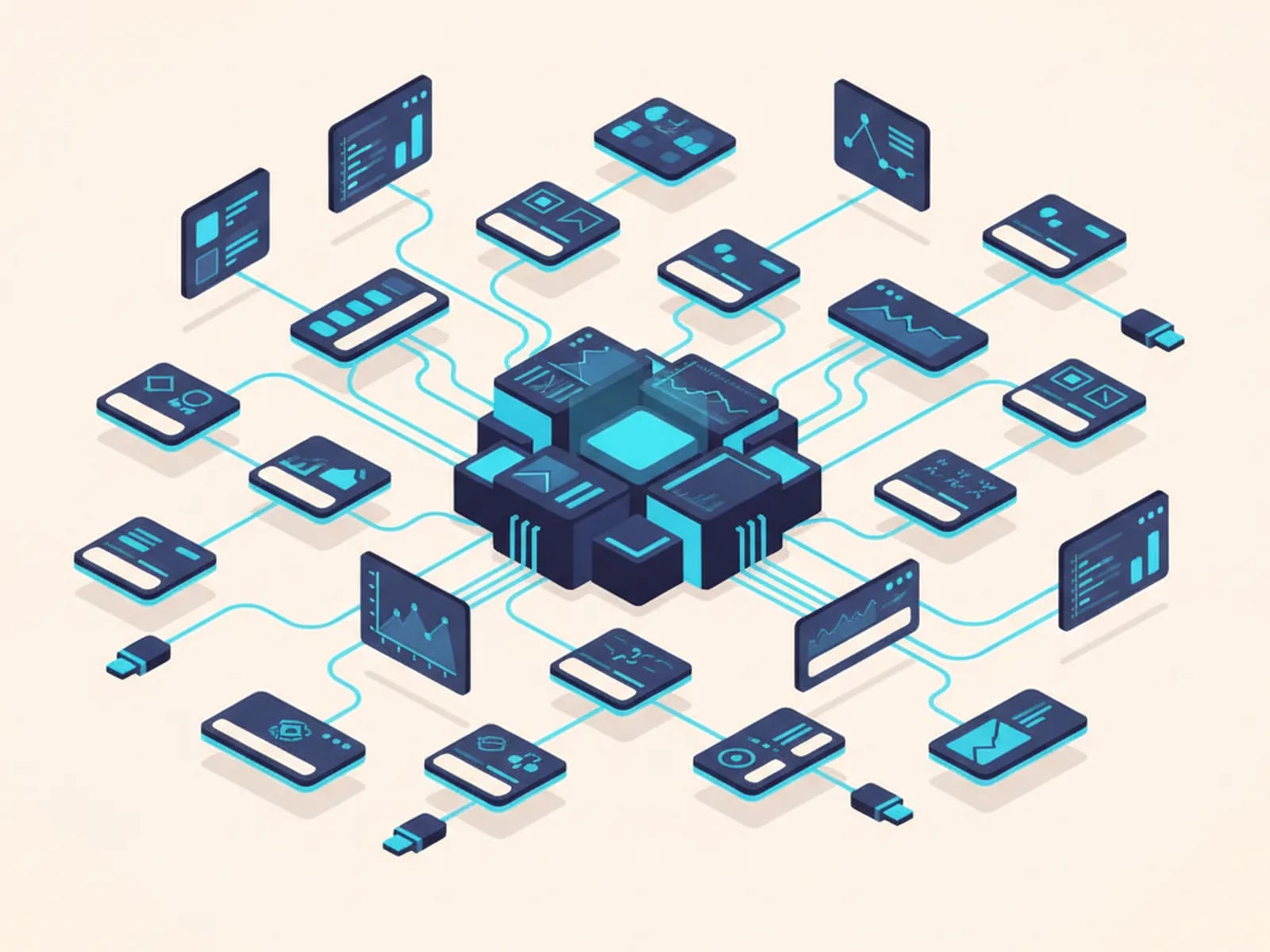
We do that with custom middleware built on APIs (application programming interfaces). Data moves between the systems your business runs on (Slack, Jira, Salesforce, Microsoft 365, your ERP, your data warehouse) through their official APIs, webhooks (event notifications pushed between systems) and ETL (extract, transform, load) pipelines for bulk data.
Should you just use an iPaaS tool like Zapier or Make? Below a certain complexity, yes. Above it (multi-step logic, high volumes, strict error handling), a custom integration costs less to run and is far easier to debug. Every integration we ship includes retries, logging, monitoring and alerts, because one that fails silently is worse than none.
Worked examples are in our API integration services guide, and our business process automation examples show real automations with their build costs.
Legacy System Modernization Without a Rewrite
Legacy system modernization doesn't need a big-bang rewrite. Those fail often enough that we don't sell them.
Standing still has a price too. Deloitte's technology budget analysis (2020) found 55% of IT budgets go to maintaining existing systems, against 19% for innovation. Every year the old Access database, VB6 application or aging PHP system takes more effort to keep alive and blocks more of the roadmap.
So we replace it piece by piece, an approach often called the strangler-fig pattern. We pick the module that hurts most, rebuild it as a modern web application, connect it to the legacy system, and repeat. Your business keeps running at every step, and AI-assisted development keeps each increment small enough to show value in the first month.
Candidate systems, sequencing, data migration and rollback safety are all covered in our legacy application modernization playbook.
Security, Access Control, and Handover
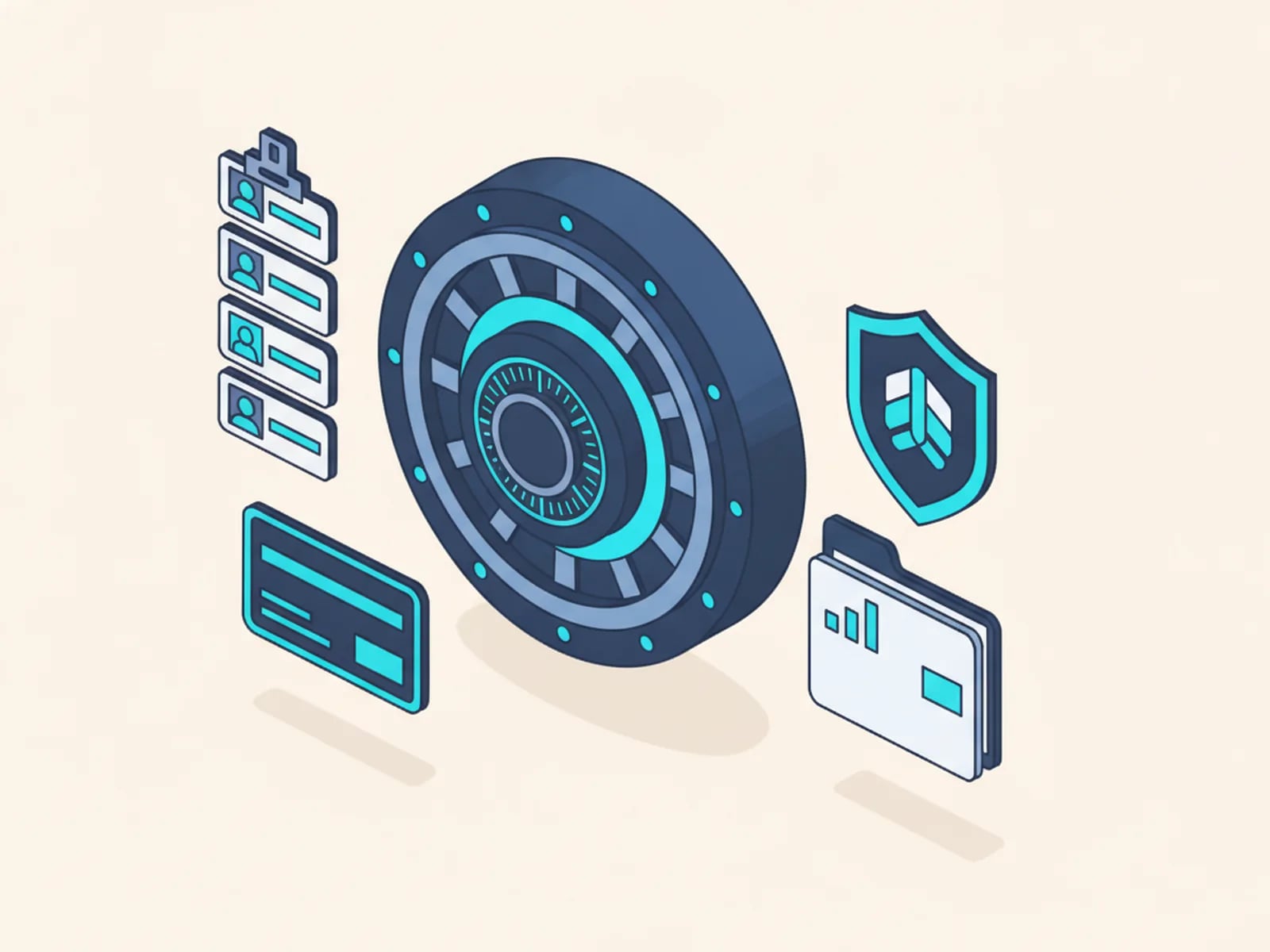
Internal tools touch internal data, so we scope security in from the first line instead of auditing it in at the end. Every Globaprom build for IT teams includes:
- Single sign-on (SSO). SSO through your identity provider via SAML (Security Assertion Markup Language) or OIDC (OpenID Connect). No separate password store to manage or leak.
- Role-based access control (RBAC). Permissions assigned to roles, roles assigned to people, enforced server-side. Admins see admin screens. Nobody else does.
- Audit logs. Who changed what, and when. Queryable and exportable.
- Hardened code. Human review of all AI-generated code and dependency audits before release. Our compliance posture, GDPR handling included, is documented in AI-assisted development and compliance.
- Real handover. Source code, infrastructure configuration, architecture notes and runbooks go to your team. You own the code outright. Care plans are optional, and you never depend on us to keep the tool running.
The process behind these guarantees (scoping, review gates and acceptance testing) is described in how we scope, build, and review.
Guides: Custom Internal Tools by Topic
Pick the build closest to the top of your backlog:
- Retool alternatives: when to build custom internal tools instead of licensing a low-code platform, with the cost math.
- Custom admin panel development: CRUD, permissions and audit logs done right, plus the anatomy of a two-week build.
- Business process automation examples: 25 real automations with build costs.
- API integration services: custom middleware beyond the Zapier ceiling, with error handling, retries and monitoring.
- Legacy application modernization: strangler-pattern rebuilds of Access, VB6 and aging PHP systems.
- Internal dashboard development: KPI dashboards that end spreadsheet reporting, data pipeline included.
- Employee portal development: HR, IT requests and knowledge in one place, multilingual for distributed workforces.
Frequently Asked Questions About Custom Internal Tools
What counts as a custom internal tool?
Any software your team uses internally that was built for your process rather than licensed: admin panels, KPI dashboards, approval workflows, integration middleware, and employee portals. Internal tools sit on top of your existing systems and databases, and they encode the workflow your business actually follows.
How much does custom internal tools development cost?
Most internal tools we build land in the range of a few thousand to low tens of thousands of euros, fixed price. The drivers are integrations, permission complexity, and data volume. You approve scope, price, and delivery date before we write code, so the number never moves mid-project.
How long does it take to build an internal tool?
Usually two to four weeks from approved scope to production. An admin panel is typically a 2-week build, a dashboard with its data pipeline 2–3 weeks, and an integration service 1–3 weeks. AI-assisted development compresses the writing; human review and testing keep the pace safe.
When is Retool or low-code the better choice?
Choose a low-code platform when the tool is simple, internal-only, low-volume, and your team wants to maintain it visually. Choose custom when per-seat fees outgrow a one-time build, logic exceeds the builder, external users are involved, or the code must live in your repository under your review.
Can you build inside our existing stack and repository?
Yes. We deliver into your GitHub or GitLab organization, follow your conventions, and integrate with your identity provider for single sign-on. You own the code completely. Your engineers can review every pull request during the build and extend the tool themselves after handover, with no platform or license dependency.
Is AI-generated code safe for internal tools that touch sensitive data?
Yes, when it is reviewed like any other code. Every line we ship passes human review, automated tests, and dependency audits. Access is controlled with SSO and role-based access control, and actions are audit-logged. Our security and compliance practices are documented publicly.
Clear the Backlog: Get a Scope, a Price, and a Date
Send us the internal tool request that has waited longest in your queue. We reply with a fixed scope, a fixed price and a delivery date measured in weeks, and the code is yours when we're done.