Multilingual CMS: Managing Content Across Languages
A multilingual CMS serves content in every language you need: localized fields vs. separate site trees, headless options, and automatic hreflang.
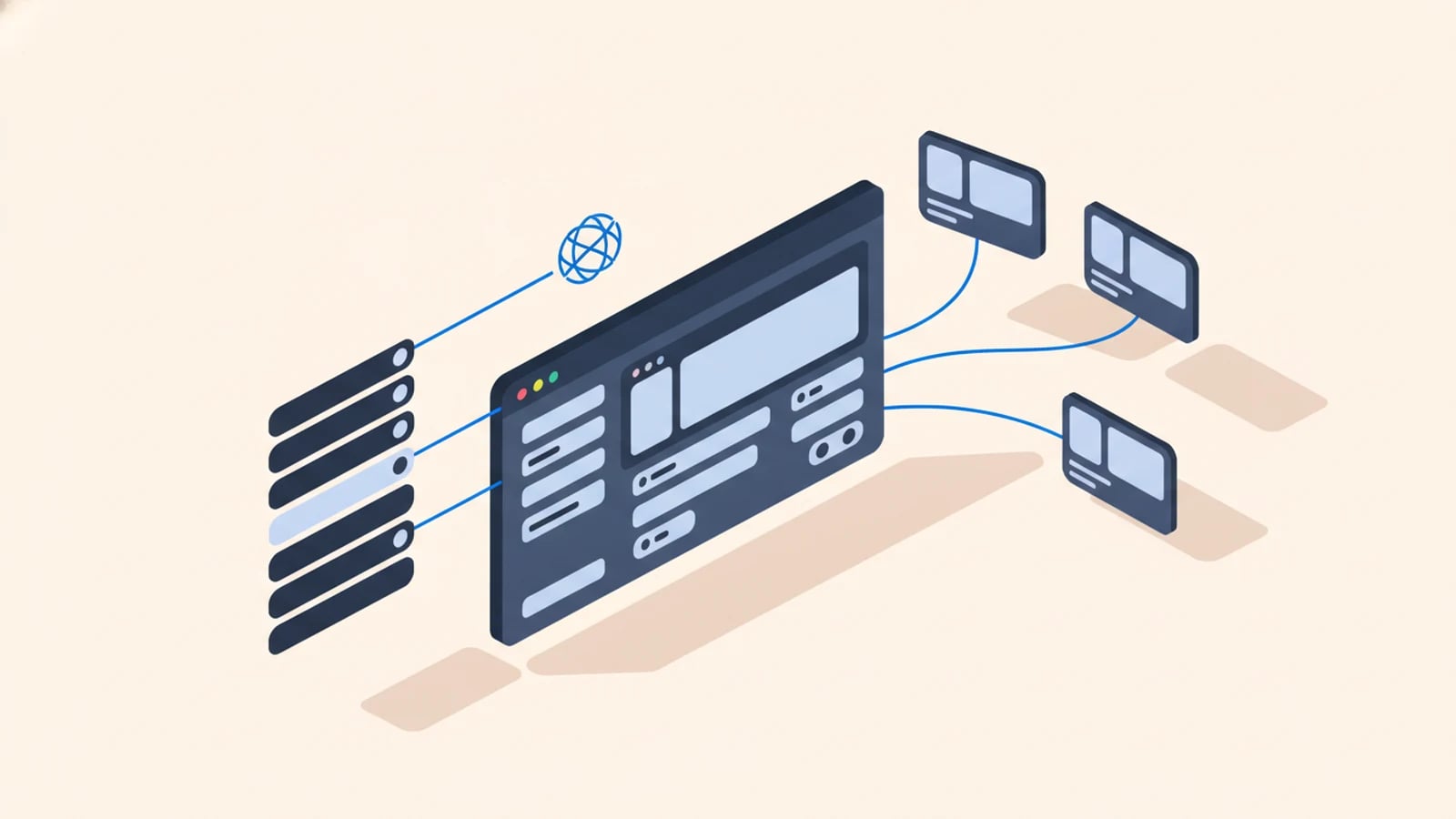
A multilingual CMS is a content management system built to store and serve the same site in more than one language, so an editor can publish a page in English and its French and Spanish versions from one place, and each visitor gets the right one automatically.
Translating the interface strings is the easy part. Any framework does that. What breaks is the content: articles, product descriptions, page copy that has to exist in every language, stay linked as versions of each other, and reach search engines correctly. A translation management system moves the words. The CMS decides how they're modeled, stored, and served, and those are the decisions our multilingual software development practice makes on every build. Get them wrong and adding a market becomes a project instead of a week's work.
What Makes a CMS Multilingual
Plenty of tools claim multilingual support and mean very different things by it. The question to ask is whether the CMS treats a translation as a linked version of one piece of content, or as an unrelated second page that happens to say the same thing.
One identity, many language versions, all connected. That connection is what lets the system generate correct cross-language links, publish a new locale without duplicating the content tree, and tell a translator exactly which pieces are missing or outdated. Store each language as a disconnected copy instead and those connections become a spreadsheet someone maintains by hand, badly, until they stop maintaining it.
So look at how the tool separates translatable content from structural data. Words on one side, layout and relationships on the other. Keeping the structure shared and varying only the language-specific parts is the same internationalization (i18n) principle that governs code.
Localized Fields vs. Separate Site Trees
Two ways to structure multilingual content. The choice is expensive to reverse, so it belongs in the architecture stage rather than after launch.
Localized fields keep one content item with a translatable value per language for each field. One product, one identity, with a title and description that each hold an English, French, and Spanish value. Add a language and every item gains a new slot, ready to fill. Translations stay tightly linked, "what's missing in Spanish?" becomes a query the system can answer, and content that's structurally identical across markets fits the model naturally. It's what our own site runs on.
Separate site trees give each language its own full site, parallel copies linked at the top. Use them where markets genuinely diverge, where Germany needs different pages, a different structure, and different products, not translated versions of the French ones. The cost is drift. Parallel trees fall out of sync unless someone actively keeps them aligned, and that job rarely has a name on it.
Most software products want localized fields, because their content maps cleanly across languages.
Headless vs. Traditional CMS for Multilingual Content
A traditional CMS stores content and renders the pages itself, template and all. A headless CMS stores content and serves it through an API, leaving presentation to a separate front end.
For multilingual work that difference turns practical fast. One clean content API can feed a website, a mobile app, and an in-product interface, each requesting the locale it needs, so the same French product description serves every channel without being re-entered anywhere. The front end handles locale routing and formatting.
Traditional platforms win on speed to stand up and on ecosystem. WordPress alone runs more than 40% of all websites (W3Techs, 2026), much of it multilingual through translation plugins that have been in production for a decade. We reach for a headless CMS when a client's content needs to live in more places than one website; when a site will only ever be a site, a leaner stack is cheaper and better, and we'll tell you so.
Connecting the CMS to a Translation Workflow
A multilingual CMS with no route to translators is a set of empty language slots. Someone ends up pasting text between a spreadsheet and the admin panel, and it is usually the person with the least time for it.
The connection has to run both directions. Content created or changed in the CMS flows out to translators without anyone remembering to send it, and finished translations flow back into the right language slot without a copy-paste step. Mature platforms expose this through an API or a translation connector, so a translation management system can pull source content, apply translation memory and glossaries, and return the result.
Decide how a newly published page reaches a translator before you publish the first one. Leave it until after and some locale is already behind. Whether a given market needs full translation or deeper localization is a separate budget question, covered in localization vs. translation.
Getting hreflang and URLs Right From the CMS
The last mile of a multilingual CMS is search. Publishing content in five languages helps no one if Google shows the wrong version to the wrong visitor.
hreflang is the HTML annotation that tells search engines which language version of a page to serve each user. The CMS already knows every language version of every page, so it can generate those annotations programmatically. That is the only reliable way to do it. Hand-maintained hreflang drifts wrong the moment a page is added, and nobody notices for months.
URL structure is the other half. Translated slugs under a clear per-locale path (/fr/tarifs/, not /fr/pricing/) signal the language to users and search engines both, and read as native rather than bolted on. Our own site generates its hreflang and language alternates from each page's published locales, never by hand, for exactly the reason above.
Editorial Workflow When Every Page Has Versions
Multilingual content multiplies the editorial job. One published change in the source language becomes a translation task in every other, and without a way to track that, languages quietly rot.
Three features keep it manageable: status per locale, so you can see which versions are published, drafted, or stale; a signal when a source page changes and its translations fall behind it; and permissions that let a French editor work in French without touching the English original.
Fire-and-forget translation fails slowly. Translated once at launch, never updated as the source moves, until the French site is describing a product the English site stopped selling two years ago. A CMS that surfaces "this translation is now behind its source" turns that silent decay into a task somebody can see.
Frequently Asked Questions About Multilingual CMS
What is a multilingual CMS?
A multilingual CMS is a content management system that stores and serves the same site in multiple languages, keeping each translation linked as a version of one piece of content. It lets editors publish and manage every language version from one place, and serves the right one to each visitor automatically.
What is the difference between localized fields and separate site trees?
Localized fields keep one content item with a translatable value per language for each field, ideal when content maps cleanly across markets. Separate site trees give each language its own full site, better when markets need genuinely different structure and pages. Localized fields stay tightly linked; separate trees risk drifting out of sync.
Should I use a headless CMS for a multilingual site?
Use headless when content must feed more than one channel (a website, a mobile app, an in-product interface), because one locale-aware content API serves them all. A traditional plugin-based CMS is faster and cheaper for a site that will only ever be a website. The choice is flexibility versus convenience.
How does a multilingual CMS handle hreflang?
A good one generates hreflang automatically, because it already knows every language version of each page. That programmatic approach is the only reliable one; hand-maintained hreflang drifts wrong as soon as a page is added or removed. It should also produce translated URL slugs under a clear per-locale path.
How do translations get into a multilingual CMS?
Through a connection to a translation workflow: source content flows out to translators automatically, and finished translations flow back into the correct language slot without manual copy-paste. Mature platforms expose this via an API or connector, letting a translation management system apply translation memory and glossaries in between.
Build a Content System That Speaks Every Market's Language
Tell us how many languages your content needs to live in, and where it has to appear (website, app, in-product). We'll scope the content model, the translation connection, and the hreflang setup as one fixed-price build, delivered in weeks, so no locale ever falls behind its source.
Keep reading



Need software that speaks every market from day one?
Tell us what you need built. We reply with a fixed scope, a fixed price, and a delivery date measured in weeks.