Why Software Fails Internationally: Seven Mistakes We See Every Time
Why software fails internationally: seven internationalization mistakes, from hardcoded strings to RTL scrambling, what each costs, and what prevents it.
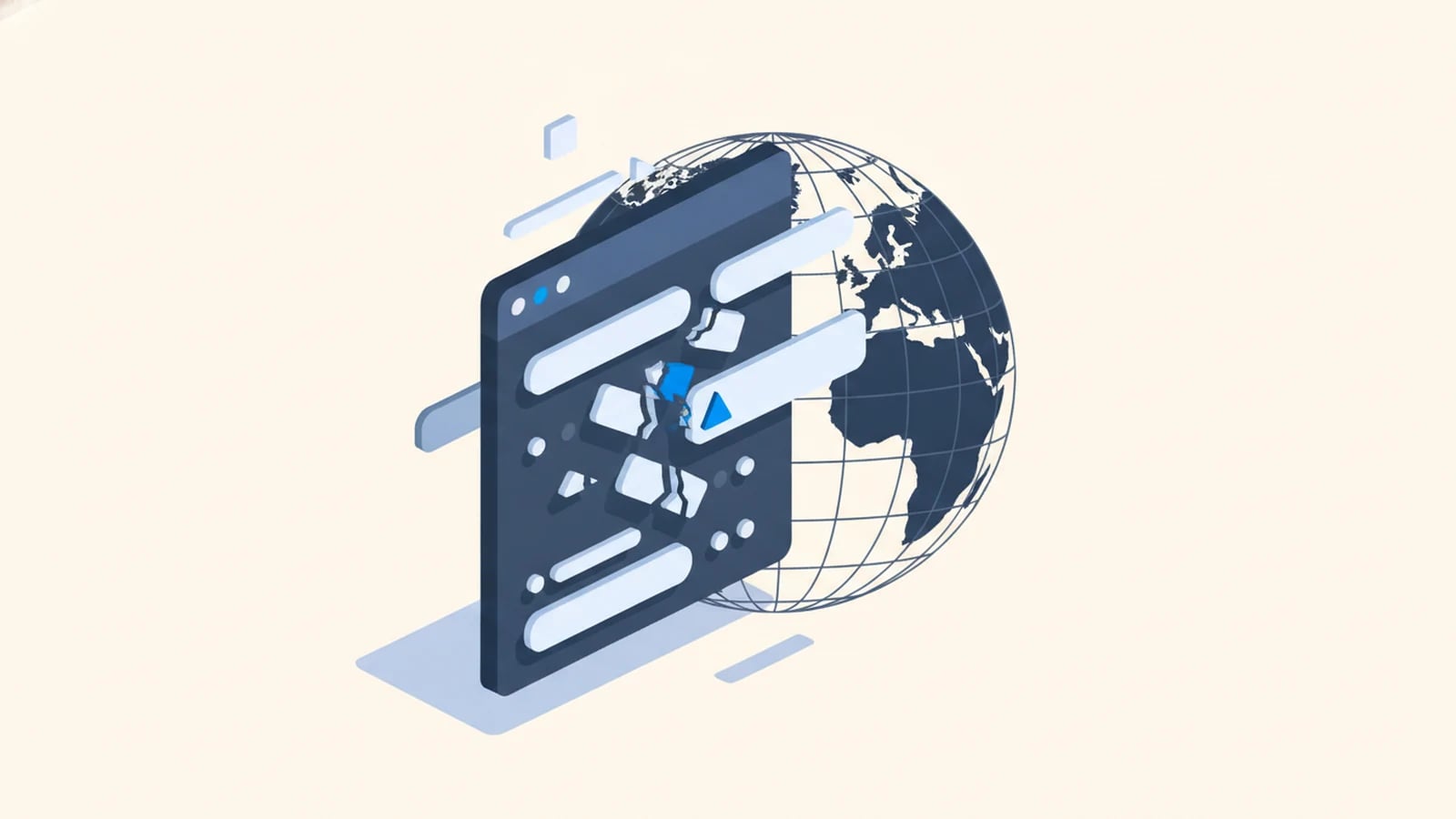
Software fails internationally because it was built for one language and one region, then asked to serve others without changing how it was built. The translation goes in fine. Underneath it, the code still assumes English word order, US date formats, Latin-only text, and a single currency, so the product breaks in ways a translator can never fix.
We cover this pattern at a high level in multilingual software development: most failures trace back to a retrofit, engineering built for one market and adjusted for others after the fact. Seven mistakes turn up most often when we audit an existing codebase.
1. Hardcoded Strings Baked Into the Code
What it looks like. A button reads "Submit" because someone typed <button>Submit</button> directly into a template. A confirmation email has "Your order #" + orderId + " has shipped" sitting inside a Node function. There is no list of the app's text anywhere. To add French, someone has to open every file, find every string, and hope they caught them all.
They never catch them all. Audits routinely turn up leftover English inside error toasts, admin emails, PDF footers, and push notifications, the corners nobody thought to check because they're not on the main screen. Each one ships as a small, embarrassing bug in an otherwise translated product.
What prevents it. Every user-visible string lives in a resource file under a stable key (checkout.confirm_button, not the string itself) from the first commit. Developers reference the key; translators work the resource file. Pseudo-localization in CI (swap every string for lengthened, accented dummy text and click through the build) catches anything still hardcoded before a release ships, not after a customer reports it.
2. Layouts Sized for English-Length Text
What it looks like. A button fits "Save" with room to spare. The German label is "Speichern," five letters longer, and it wraps onto a second line or gets clipped with an ellipsis. A settings panel designed around short English labels turns into a wall of cut-off text once every label is translated. Finnish adds a different problem: compounds fuse words that English keeps apart, so "Shipping Address" becomes the single word "Toimitusosoite", which can't wrap at a space in a narrow field.
The scale of the problem is not a rounding error. Localization teams commonly budget 30 to 35% extra length for German interface text, and short strings under 10 characters can expand 200 to 300% (W3C). A button sized for English has no margin left for that.
What prevents it. Layouts use flexible containers instead of fixed widths, and buttons, labels, and navigation are tested against pseudo-localized or genuinely translated text before launch, not eyeballed in English and assumed to hold. We cover the broader architecture behind this in i18n explained for non-engineers.
3. Sentences Assembled From Fragments
What it looks like. A developer writes "Delete " + itemType + "?" to save a translation string, producing "Delete file?" in English. The same code produces grammatical nonsense in German, where the word order and noun gender change depending on what itemType is, and outright unreadable output in Japanese, where sentence structure doesn't glue onto an English template at all.
This mistake is invisible in the source language and obvious in every other one. It survives longer than most bugs because nobody testing in English ever sees it.
What prevents it. Full sentences, not fragments, go into the resource file, with placeholders for the variable part: "Delete {itemType}?" as one translatable unit. Translators see and translate the whole sentence, in the word order their language actually uses. ICU message formatting extends this to plurals and gender, where English's simple rules mask complexity that other languages don't share.
4. Date and Number Format Assumptions
What it looks like. A shipping confirmation reads "04/07/2026." In the US that's April 7th. In most of the rest of the world, including the country the customer lives in, that's July 4th. Nobody sees an error message. The customer just shows up a season early, or a report gets filed against the wrong date, silently.
Numbers carry the same trap in the other direction. "1.500" reads as one and a half in the US and as fifteen hundred in Germany, where the period is a thousands separator, not a decimal point. An import routine that reads foreign numbers using US rules doesn't crash. It corrupts financial data and keeps running.
What prevents it. Dates and numbers render from locale data (the Common Locale Data Repository, not a hand-built format table), and the same locale rules apply to parsing user input, not only display. A date field that accepts typed input has to reject or reformat "04/07/2026" consistently with how it was rendered, in both directions.
5. Currency and Rounding Errors
What it looks like. A checkout converts prices at the day's exchange rate and displays the result to two decimal places, for every currency, everywhere. That breaks in two specific ways. First, prices drift with the exchange rate instead of holding the fixed local price a market expects, so a product that cost 49.99 EUR yesterday costs 51.23 EUR today for no reason a customer can see. Second, the two-decimal assumption is wrong on its face: the Japanese yen has zero decimal places, while the Bahraini dinar, Kuwaiti dinar, and Omani rial use three. A cart built for two decimals either drops precision it needs or invents precision that doesn't exist.
What prevents it. Multi-currency pricing is set per market with controlled rounding, not computed live from an exchange-rate feed at checkout. Currency formatting and minor-unit handling come from the same locale data used for dates and numbers, so JPY renders as a whole number and KWD renders with three decimals, because the code asked the data instead of assuming.
6. RTL Scripts Rendering as Scrambled Text
What it looks like. Arabic or Hebrew text appears in a UI that was never built for right-to-left reading. Instead of a mirrored layout, the interface stays left-aligned while the script itself reads right to left, so navigation, icons, and progress indicators point the wrong direction relative to the reading flow. Worse, a sentence that mixes an Arabic phrase with a Latin product code or phone number can render with the segments in the wrong order entirely, visual scrambling that makes the text genuinely hard to read, not just unfamiliar.
Users notice this in seconds, and it reads as broken software rather than an unfinished translation. It is one of the fastest ways to lose credibility with an entire market.
What prevents it. Layouts use logical CSS properties (start and end, not left and right) so mirroring is automatic, and bidirectional text handling is tested with a real RTL locale, not assumed to work because it wasn't touched. The details are in RTL support in software.
7. Database Columns That Cannot Store Non-Latin Scripts
What it looks like. A customer named "José" is stored, and later displayed, as "José." A Japanese company name saved to a database comes back as a row of question marks or boxes. This happens when a database column, a legacy API, or a file export uses a character encoding that only covers Latin characters, so anything outside that set gets corrupted the moment it's written, not when it's displayed. The damage happens at the storage layer, which means it's invisible until someone looks at the raw data or a customer complains that their own name is spelled wrong on their own invoice.
What prevents it. Unicode, the character standard that assigns a code point to every character in every writing system, needs to be the encoding for every layer: database column, API payload, file export, email template. UTF-8, the dominant Unicode encoding, has to run end to end, because one legacy component on a different encoding is enough to corrupt names and addresses across the whole system.
The Pattern Behind All Seven
Each of these mistakes looks small in isolation: a clipped button, a wrong date, a garbled name. None of them show up in testing done entirely in English, because English is the one language none of them affect. That's exactly why they survive into production and get discovered by paying customers in other countries instead of by QA.
The commercial stakes are real. CSA Research's survey of 8,709 consumers across 29 countries found that 76% prefer buying products with information in their own language, and 40% will never buy from websites in other languages at all (CSA Research). A product that trips over its own translation loses that trust as fast as one that was never translated.
Fixing these seven after launch costs far more than avoiding them at the start. Teams report spending two to five times more engineering effort retrofitting internationalization into a live product than building it in from day one (XTM, 2026), because every layer (strings, layout, formatting, storage) has to be found and fixed at once while the product keeps shipping. We see the same seven items surface hardest in custom ecommerce development, where checkout, pricing, and product data all touch every mistake on this list at once, and in custom logistics software, where customs documents, multilingual driver apps, and cross-border date and currency formats leave no room for guesswork.
Frequently Asked Questions About Internationalization Mistakes
What is the most common reason software fails internationally?
It was built assuming one language and one region, then translated afterward instead of built to support many from the start. The translation covers the visible text; the hardcoded strings, fixed layouts, and format assumptions underneath stay broken.
Can these mistakes be fixed without rebuilding the product?
Yes, but not cheaply. Each mistake must be found and corrected at the layer it lives in (code, layout, or database) while the product keeps running, which is why retrofits cost two to five times more than building it in from the start (XTM, 2026).
Do these problems only affect right-to-left languages like Arabic?
No. Text expansion, date confusion, and currency rounding hit every non-English market, including ones that read left to right. RTL scripts expose the mistakes fastest and most visibly, but they aren't the only languages where these seven failures show up.
How do I check if my software has these problems?
Run a pseudo-localization pass: replace every string with lengthened, accented dummy text, then click through the product looking for clipped buttons, leftover English, and broken layouts. It surfaces most of these seven mistakes in an afternoon.
Does fixing internationalization mean I have to translate everything myself?
No. Internationalization is engineering work that makes translation possible; it doesn't require you to translate anything yourself. Once the code is fixed, translation flows through a separate i18n pipeline, distinct from the localization vs. translation budget question.
Build Software That Doesn't Trip Over Its Own Translation
Tell us which markets your software needs to reach. We'll audit which of these seven mistakes you already have, and quote a fixed-price fix alongside a translation pipeline that keeps new languages from repeating them.
Keep reading
Need software that speaks every market from day one?
Tell us what you need built. We reply with a fixed scope, a fixed price, and a delivery date measured in weeks.