Workflow and Business Process Automation Services
Workflow automation takes the repetitive steps out of your processes: invoice numbers retyped by hand, approvals chased by email, records copied between systems that should talk to each other. We build it as custom software you own, so it reaches the steps Zapier and Make can't. The price is fixed before we start, and AI-assisted development gets a scoped automation live in weeks.
What Is Workflow Automation?
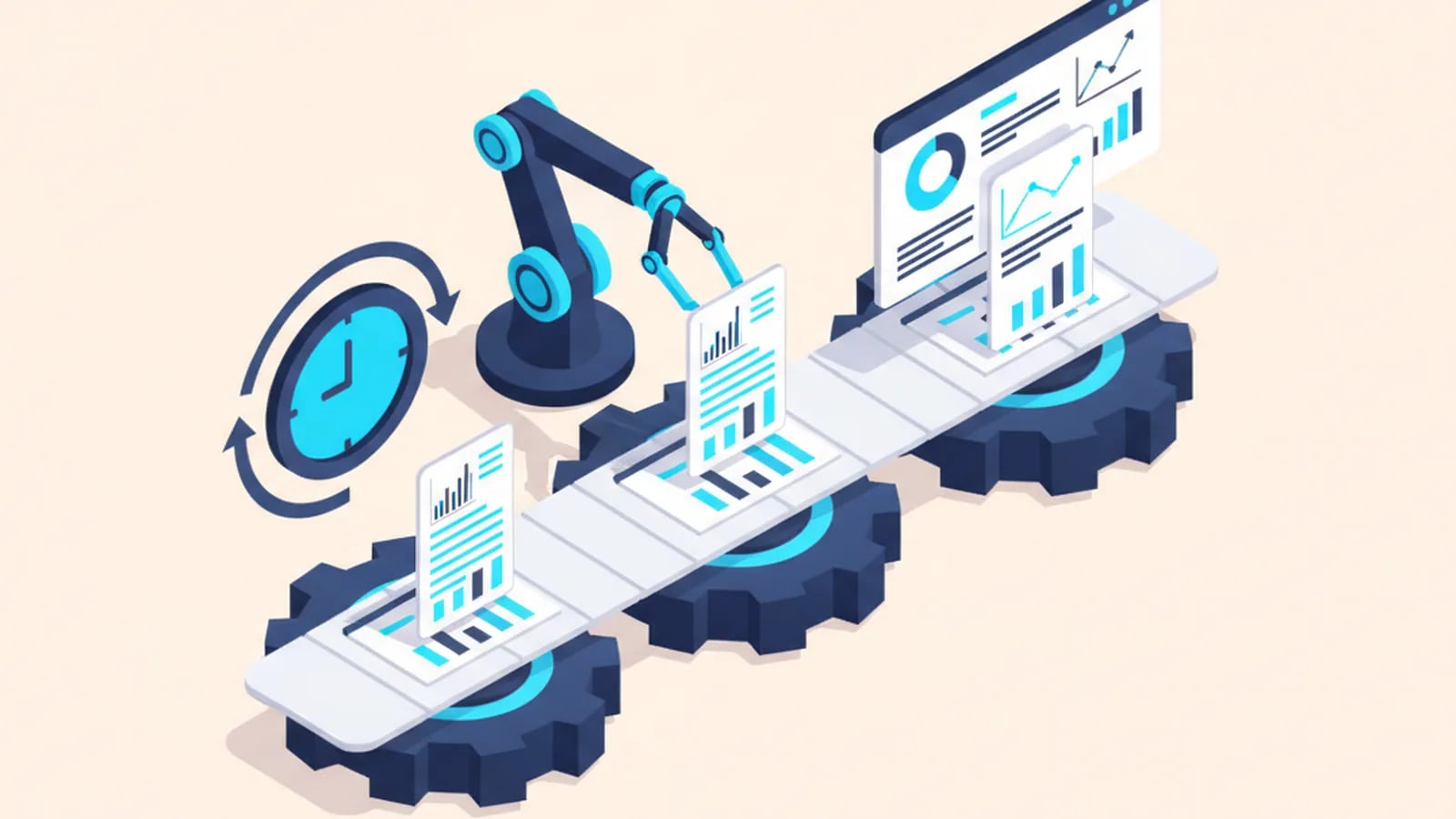
Workflow automation is software that runs a business process, such as approving an invoice or onboarding a hire, with little or no manual handling. Rules decide what happens next, systems exchange data over their APIs, and people step in only where judgment is needed.
In practice it looks like this:
- A supplier invoice arrives, gets read, matched to its purchase order and queued for approval. Nobody retypes the numbers.
- A signed contract creates the new client's folder, welcome email and first task on its own.
- A deal marked as won in the CRM tells the finance system to raise the first invoice, so nobody forgets.
You'll also hear two related terms. Business process automation (BPA) is the umbrella discipline: automating whole processes end to end. Robotic process automation (RPA) is narrower. A software "robot" mimics human clicks in systems that have no API, which helps with old software and breaks when those screens change. Wherever an API exists, we integrate properly instead of mimicking screens.
What you get back is the time your team spends retyping, chasing and copying. See business process automation examples drawn from real operations.
The Automation Ceiling: Where Zapier, Make, and Power Automate Stop
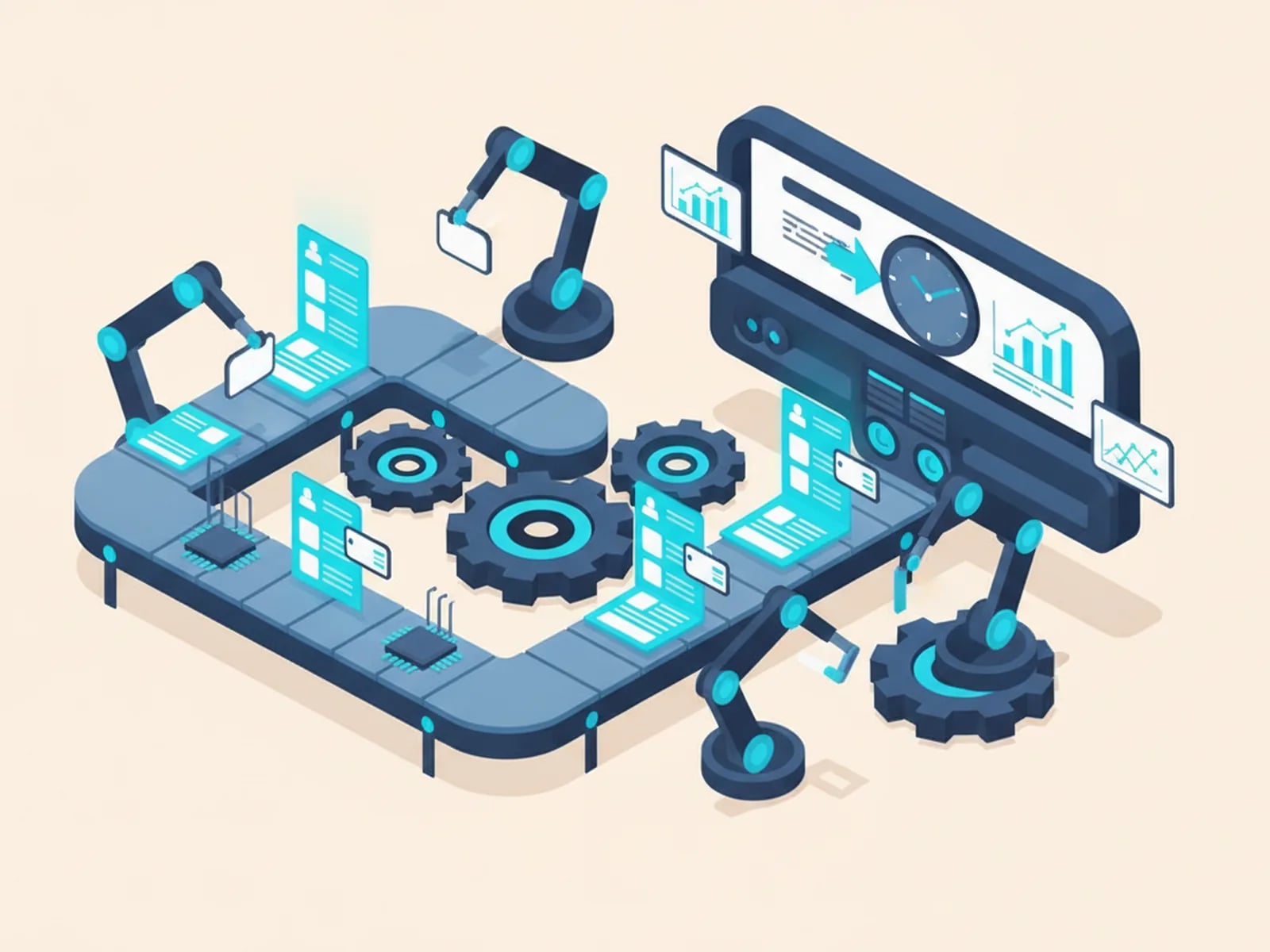
No-code automation tools are excellent until they aren't. Zapier, Make and Microsoft Power Automate are iPaaS platforms (integration platform as a service): hosted services that connect apps with pre-built triggers and actions. For a two-step "when this, then that" task, use them. They're the right tool.
Real processes get complicated, and the ceiling shows up in a predictable order:
- Branching logic. Exceptions pile up: a value threshold, a regional rule, a special customer. The visual builder turns into a maze of nested conditions nobody dares touch.
- State and memory. The workflow has to remember something across days (a partial approval, a running total, a document waiting on one signature). iPaaS tools fire and forget. They don't hold state.
- Per-run cost. You pay per task or per operation. A workflow that felt free at 200 runs a month gets expensive at 20,000, and you rent it forever.
- The last mile. The system that matters most (your ERP, your carrier's portal, a government filing site) has no clean connector, so someone glues fragile workarounds around the gap.
- Ownership. The logic lives in a vendor's account. You can't read it as code, version it or move it. When the vendor changes its pricing or an API, your workflow breaks on their schedule.
Custom automation software clears that ceiling because the logic is real code you own. Complex branching, stored state and awkward last-mile integrations become ordinary engineering, and the running cost is hosting instead of a per-task meter.
The demand is real. Knowledge workers spend roughly 60% of their day on "work about work" rather than the skilled work they were hired for (Asana Anatomy of Work Index, 2021). Grand View Research valued the workflow management market at $9.54 billion in 2022, growing about 33% a year through 2030 (Grand View Research). So the question is rarely whether to automate. It's where the rented tools stop paying off, and that's where we come in.
What We Automate
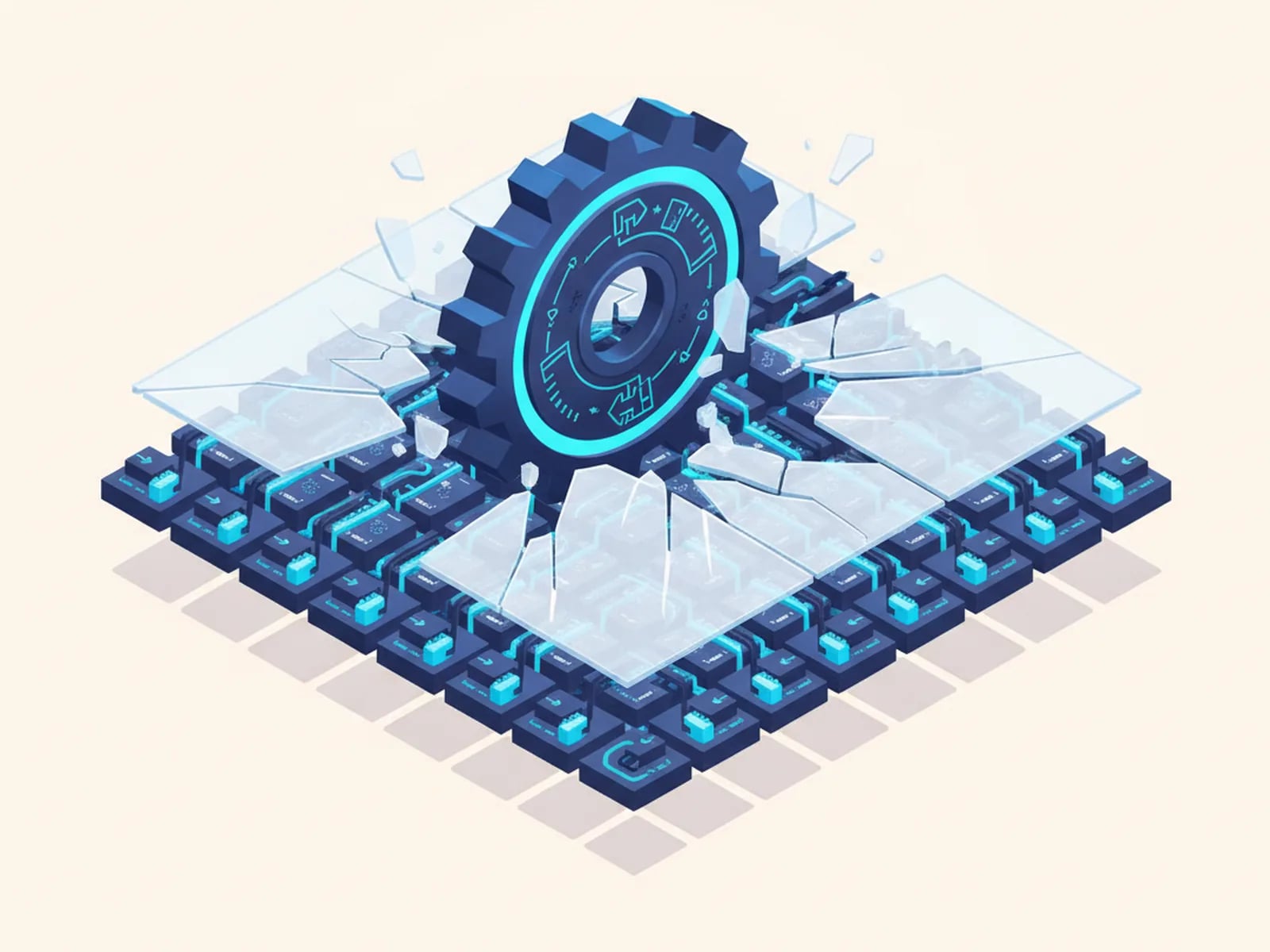
Most requests fall into five families. In each one the manual version is slow, error-prone and easy to describe, which is exactly what makes it a good build.
Document automation. Contracts, reports, quotes and shipping paperwork, generated from a template the moment the data is ready. On the way in, OCR (optical character recognition) and intelligent document processing read incoming files, so a scanned form becomes usable data instead of a retyping job. Our translation roots show here: one data source, the same document set in several languages.
Invoice automation. The accounts payable and receivable grind. An invoice arrives, gets read, matched against its purchase order, routed for approval and posted, with exceptions flagged instead of silently passed. The same engine raises outbound invoices when a milestone or deal closes. We built one for our own finance team first: see the internal reconciliation platform.
CRM and data-sync automation. Clean records without manual data entry. New leads get enriched and deduplicated, follow-up tasks fire on real triggers, and your CRM, finance system and support tool stay in agreement. Data that lives in two places always disagrees eventually. Automation stops the drift.
Approval automation. Multi-step sign-offs that keep control without creating a bottleneck: routing by amount or role, delegation when someone's away, reminders that chase the approver instead of the requester, and a full audit trail of who approved what and when.
Onboarding automation. A new hire or client set up on day one from a single trigger. Accounts created, equipment requested, access granted, training assigned. Nothing depends on someone remembering the checklist, and the same pattern offboards cleanly, which matters more for security than most teams admit.
Under all five sit the same building blocks: webhooks (a system pushing an event to yours the instant it happens), API integration (systems reading and writing each other's data directly) and human-in-the-loop steps, where a person reviews or approves before the process continues. Automation doesn't mean nobody's in charge. It means your people spend their attention on the decisions that need it.
Which Manual Processes to Automate First
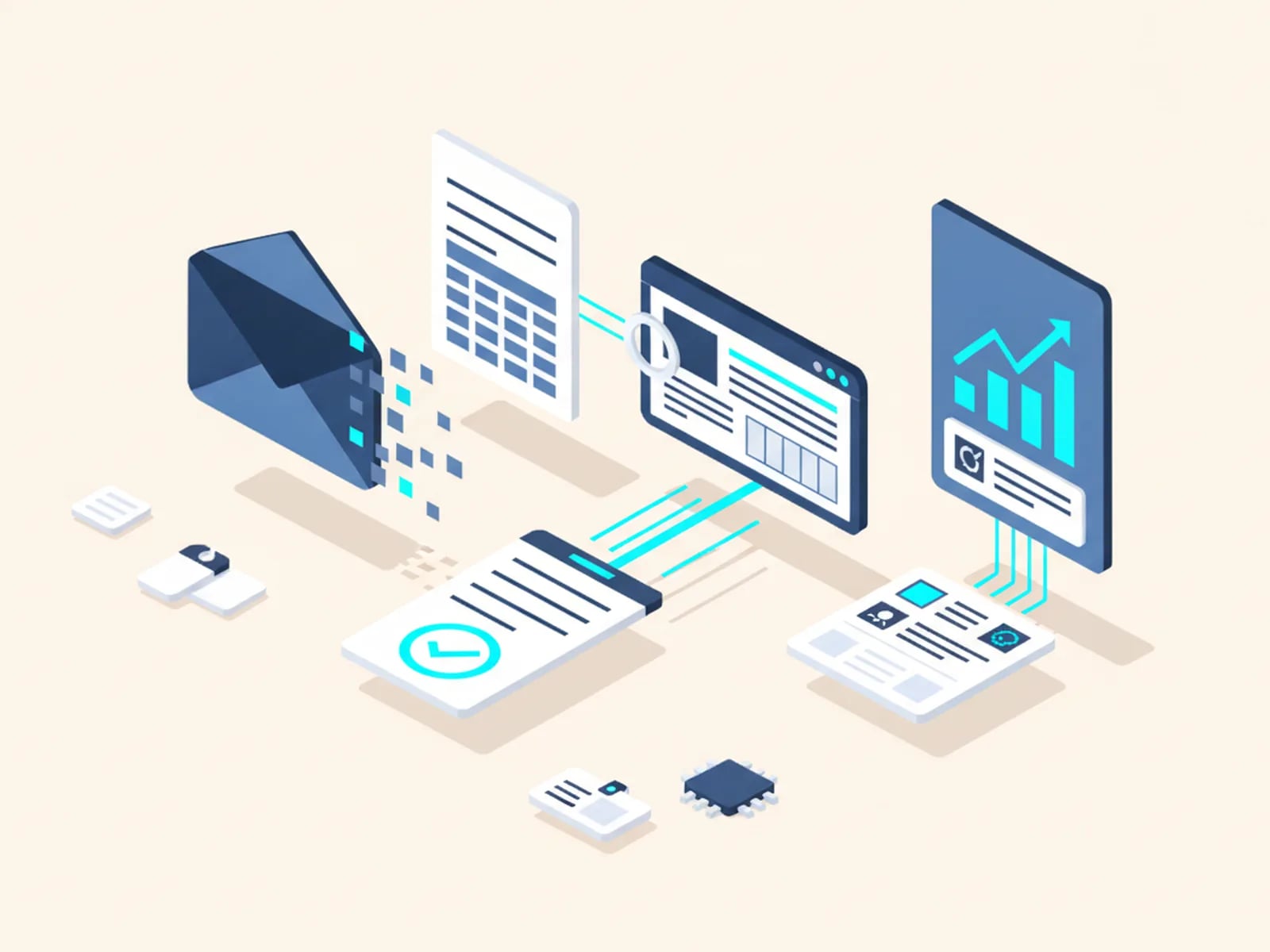
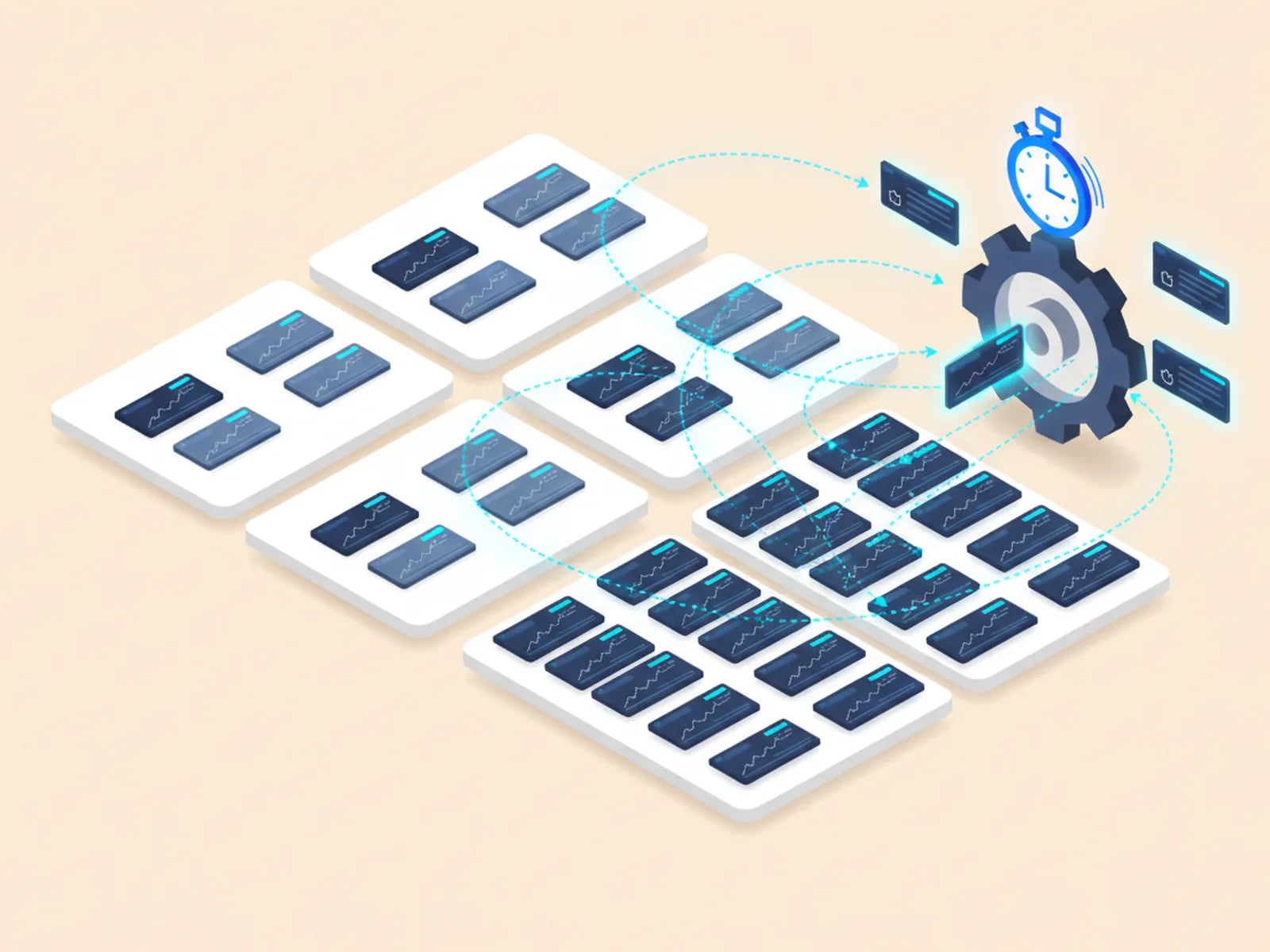
The best first automation is boring, frequent and rule-based. Score each candidate against four questions and start with the ones that clear all four:
- How often does it run? Daily beats monthly. Volume turns saved minutes into saved salary.
- How rule-based is it? If you can write the steps down without the word "usually", it automates cleanly. Heavy judgment calls don't.
- How many systems does it touch? A task that has someone copying data between three tools pays a hidden tax on every run.
- What does an error cost? A mistyped invoice or a missed onboarding step has a real price. Consistency is worth as much as speed.
We map the process with you before any code gets written, using BPMN (Business Process Model and Notation, the standard diagram for describing a workflow) where it helps. The map also shows which processes to leave alone for now. That's worth knowing too.
Two worked examples answer the "which step first" question against a real operation: customs document automation and freight tracking software. For a small team, small business workflow automation applies the same test.
How We Build Automations, and What You Own
Every automation follows the same short arc, so you always know where the project stands:
- We map the process and write the exceptions down.
- We agree a fixed scope, with acceptance criteria you can check.
- We build with AI-assisted development, then review, test and harden every part before it reaches you.
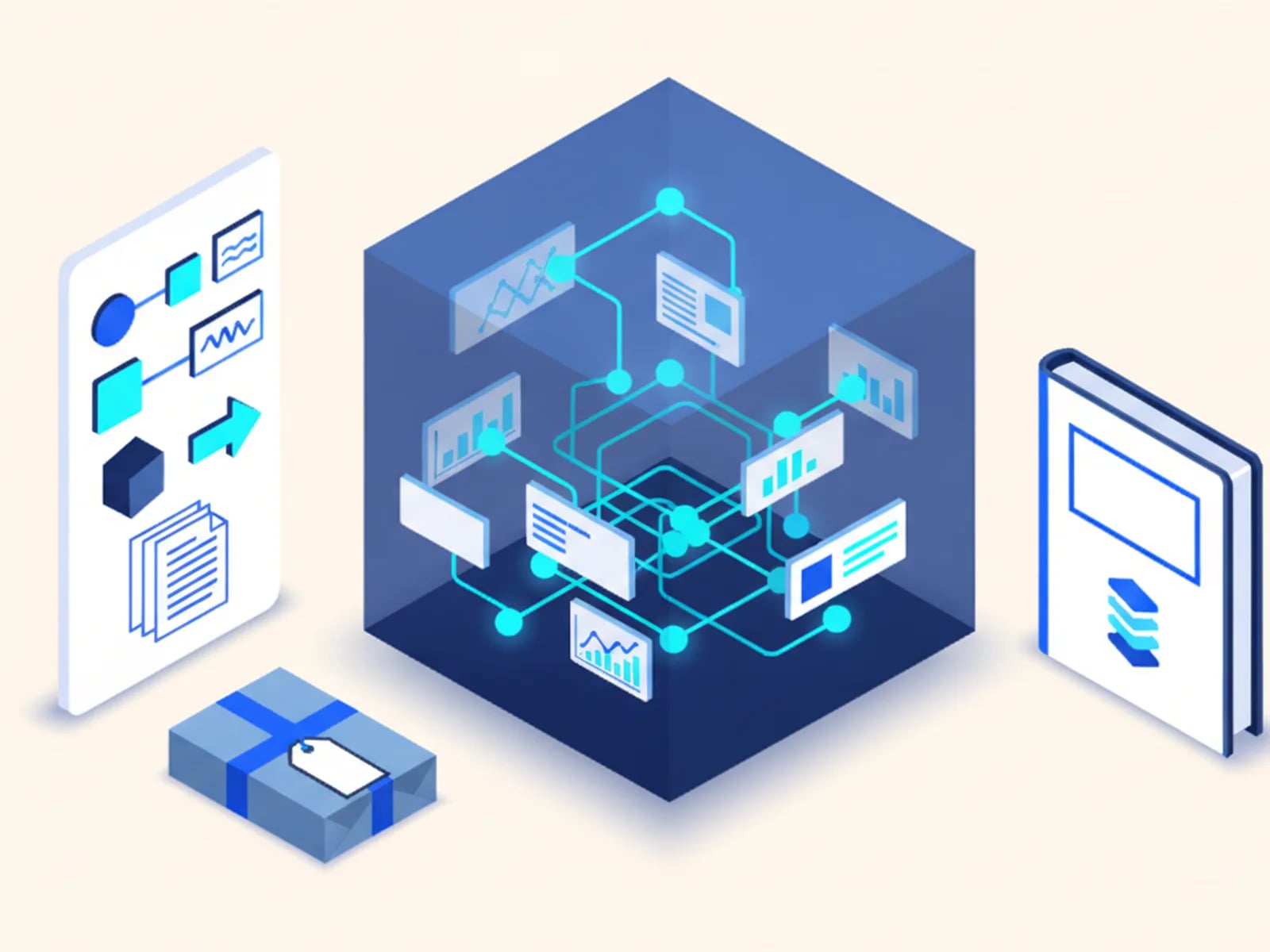
Two commitments matter more than the mechanics. A human reviews the code before it ships, because unreviewed AI output is a liability, not a shortcut. And you own the result outright: code, logic and running system, handed over as a repository, with no per-seat fee and no vendor account holding your workflow hostage.
That ownership is the difference between building an automation and renting one. The full method is on how we scope, build and review.
What Custom Automation Costs, and How Long It Takes
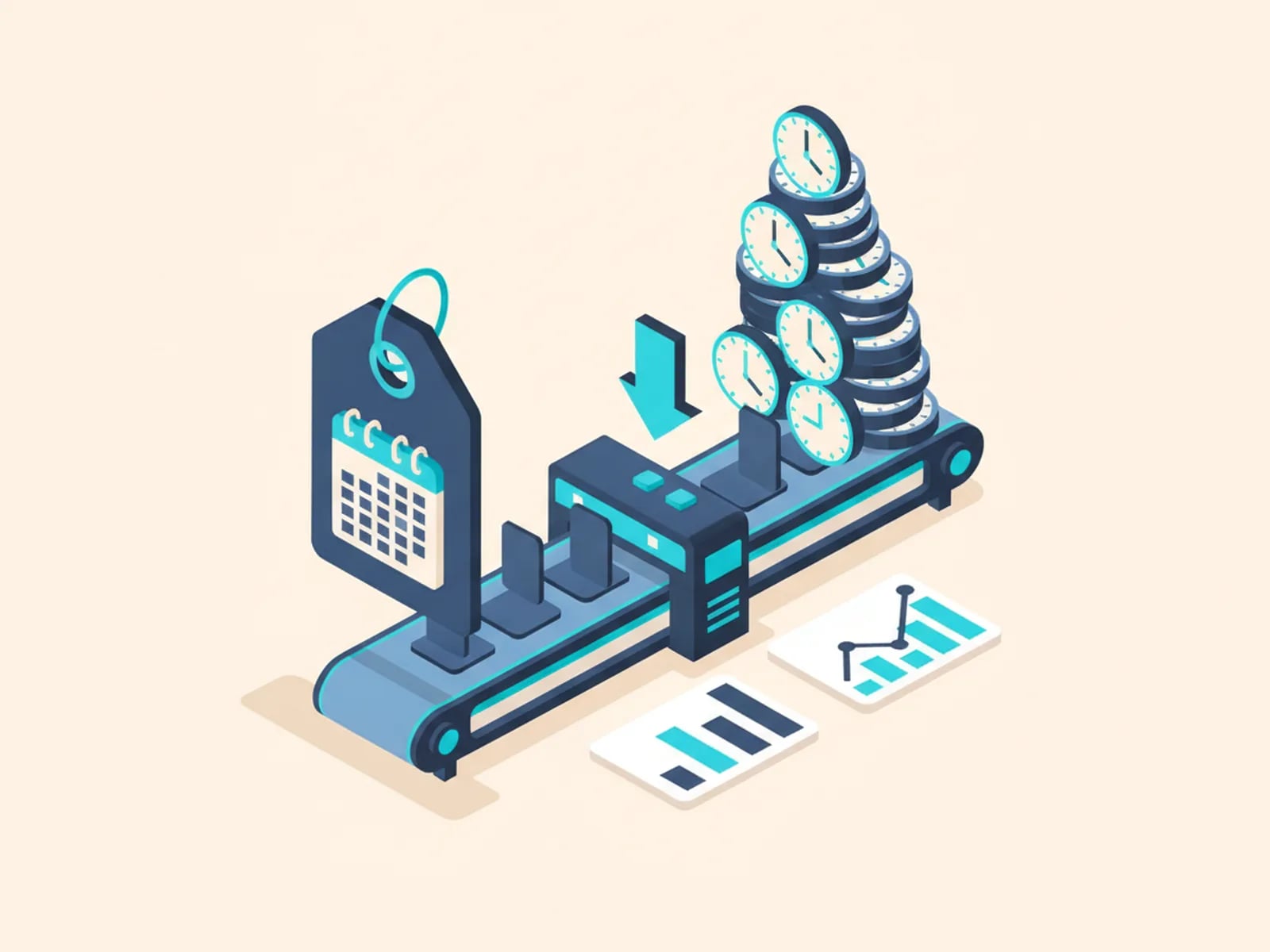
Weeks, not quarters. A scoped workflow automation typically ships 2–3 weeks after you approve the scope. The price is fixed and agreed before work starts, so the estimate risk sits with us, not with you.
Compare it with the iPaaS subscription it replaces. A rented automation looks cheap at first, then bills every month, per task and per seat, for as long as you run it. A custom build is one fixed cost plus modest hosting, and the logic is yours.
One honest caveat. For a small, simple workflow the rented tool often wins, and we'll tell you so. For a process that runs thousands of times a month, touches your core systems or has outgrown its connector, the owned version pays for itself and keeps paying.
Our fixed-price packages show what each tier includes. The custom software development overview walks through the cost and timeline math.
Workflow Automation by Industry
The patterns repeat across sectors. The documents, systems and rules change. Here's what we automate where:
- Logistics. Customs paperwork, carrier updates and dispatch steps automated across borders and languages. Part of our custom logistics software work, alongside carrier API integration.
- E-commerce and retail. Order, tax and catalog syncs between store, ERP and PIM keep a cross-border storefront consistent. See custom ecommerce development.
- IT teams. Approval flows, provisioning and the integration layer between sprawling SaaS tools, within our custom internal tools and IT automation practice.
- Manufacturing and field service. Inspection, work-order and reporting steps automated for plants and mixed-language crews. See custom manufacturing and field service software.
- Small businesses. Quoting, invoicing and client-onboarding automations sized and priced for a small team, under custom software for small business.
If your sector isn't listed, the four-question test above still applies. Tell us which process you'd automate first.
Multilingual Workflows: Automation Across Languages
Almost no automation vendor does this well. It's our home turf.
A workflow that spans countries is more than an English workflow with translated labels. The documents it generates, the notifications it sends and the approvals it routes all have to work in the right language for whoever receives them. Globaprom grew out of a translation business with 20+ years of multilingual delivery, so we design language into the automation from the start instead of bolting it on later.
In practice, one document engine produces a contract in French, an invoice in Spanish and a shipping form in English from the same data. Each user gets notifications in their own language. Approvals reach the right person, whatever locale they work in.
When your process crosses a border, that's what makes people trust the automation instead of quietly working around it.
Frequently Asked Questions About Workflow Automation
What is workflow automation?
Workflow automation is using software to run a business process, a sequence of tasks such as approving an invoice or onboarding a hire, with little or no manual handling. Rules decide the next step, systems exchange data over their APIs, and people intervene only where real judgment is required.
What is the difference between workflow automation and business process automation?
They overlap heavily. Business process automation (BPA) is the broad discipline of automating entire processes end to end. Workflow automation is the common term for the same work at the level of a specific, repeatable workflow. In practice most buyers use the two interchangeably, and we build both.
Why not just use Zapier or Make?
Use them for simple, low-volume tasks: they are excellent there. They hit a ceiling on branching logic, stored state, per-task cost at scale, and the one system that has no clean connector. Custom automation software crosses that ceiling because the logic is code you own, and the running cost is hosting instead of a per-task meter.
What can be automated in my business?
Processes that are frequent, rule-based, and touch several systems automate best: document generation, invoice handling, CRM hygiene, multi-step approvals, and employee or client onboarding are the most common. Tasks that need genuine human judgment on every run are the ones to leave alone, or to keep a person in the loop for.
Do you use AI in these automations?
Yes, in two ways. We build with AI-assisted development, which is why automations ship in weeks at a fixed price. And AI features go inside the automation where they earn their place, such as reading a messy incoming document, with a human review step wherever the output carries risk.
Do I own the automation, or is it locked to a platform?
You own it outright: the code, the logic, and the running system, delivered as a repository with no per-seat fees. Nothing is locked inside a vendor's account. That ownership is the core difference between a custom build and an iPaaS subscription you rent indefinitely.
Automate the process your team is tired of doing by hand
Describe the workflow you want automated. You get a fixed scope, a fixed price and a delivery date in weeks, before you commit to anything.