How to Vibe Code, Step by Step
Date Published
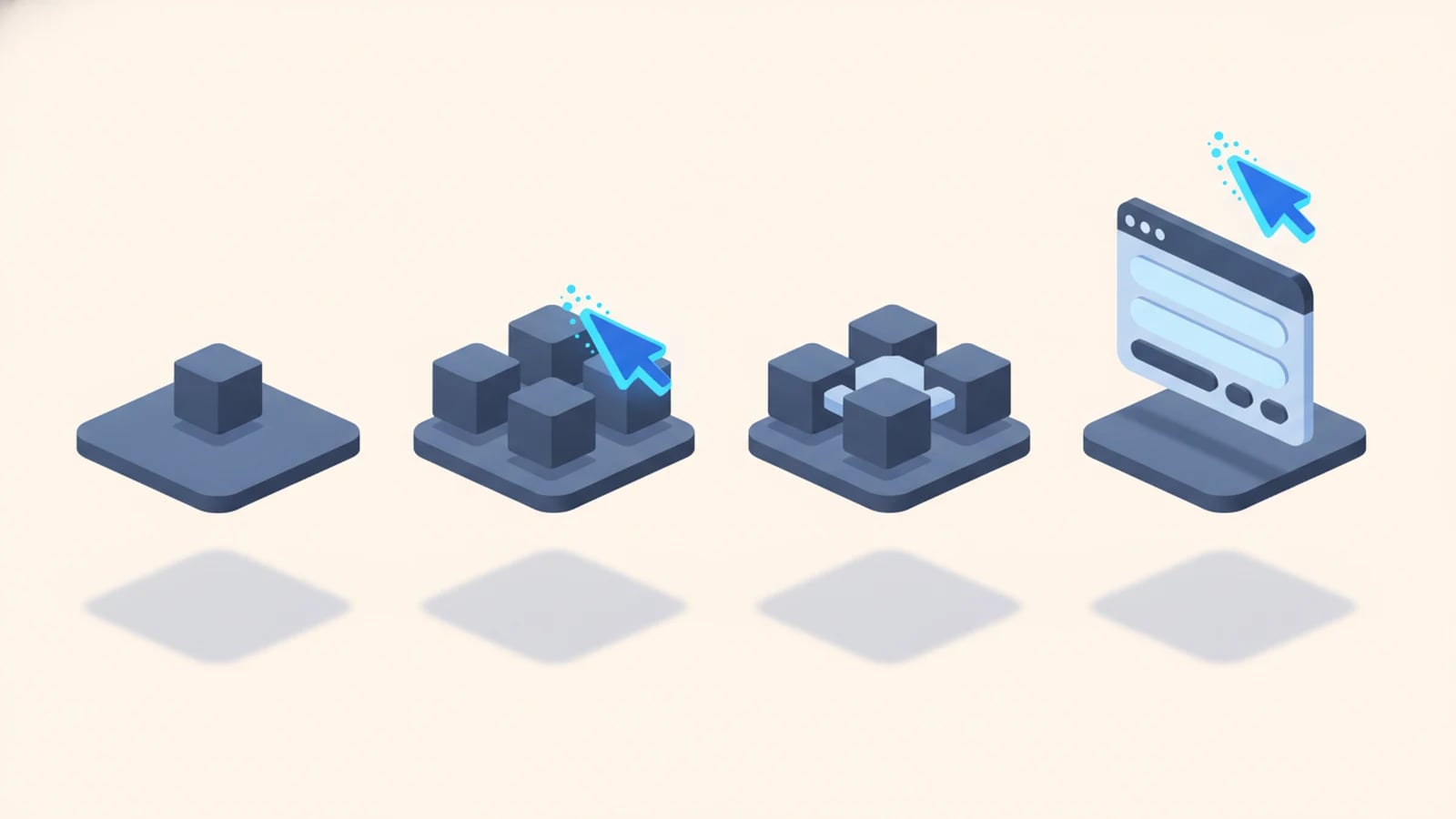
To vibe code, you pick an AI tool, describe the software you want in plain English, run whatever code it generates, and then refine by telling the AI what looks wrong, repeating until the result behaves the way you meant. You judge the output by what it does, not by reading the code.
That loop is the whole practice, and you can run it this afternoon with no programming background. If you want the definition and origin first, start with what vibe coding is; if you want the business view, the hub on vibe coding and AI-assisted development covers it.
What you need before you start
Three things, none of them a computer science degree. A clear idea of the one job you want the software to do. An AI tool that can write and run code. A willingness to describe, test, and describe again.
The tools fall into three groups, and your choice sets how much you touch code at all.
- Chat assistants like Claude and ChatGPT. You ask for a script or a small app, paste the result somewhere it can run, and iterate in the conversation. Lowest barrier, most copy-and-paste.
- AI-native editors like Cursor and Windsurf. The AI lives inside a code editor, sees your whole project, and edits files directly. More power once a project grows past one file.
- App builders like Lovable, Replit, and Bolt. You describe an app in a text box and it generates, hosts, and gives you a live URL. Closest to "no code visible at all."
For a first session, a chat assistant or an app builder gets you moving fastest. Our rundown of the best vibe coding tools compares them by what they actually do. Pick one and commit to it for the session. Switching tools mid-build is the fastest way to lose the thread.
How to vibe code in five steps
The session is a loop. You will go around it many times for anything real, and each lap gets you closer.
1. Describe the outcome, not the code. Tell the AI what you want to exist, in the plainest language you can. "Build me a single-page tool where I paste a list of names and email addresses and it gives back a clean CSV." Name the input, name the output. Skip the how.
2. Let it generate. The AI returns code, and often an explanation you can ignore for now. Take the whole thing as given. Reading it line by line is the opposite of vibe coding, and at this stage it slows you down without helping.
3. Run it. In an app builder, this is automatic and you get a live preview. In a chat assistant, you paste the code where it can execute, a browser sandbox, a notebook, or a file on your machine. Running early matters more than running perfectly. You need to see behavior to steer.
4. Refine by describing what is wrong. This is where most of the work happens. You do not fix the code. You tell the AI what you saw. "The CSV has an extra blank column." "It breaks when a name has a comma in it." "Make the button green and put it at the top." Each note sends the AI back to regenerate. Be specific about the symptom and let it find the cause.
5. Repeat until it behaves. Loop steps three and four. Watch the thing work, describe the next gap, run again. You are done when the tool does its one job on real inputs, including the messy ones you will actually feed it.
That is the entire method. The skill is describing clearly and testing honestly, and none of it is technical.
A worked example: vibe coding a small internal tool
Say you run a ten-person business and you want a quick tool that turns a pasted list of client details into a formatted quote PDF. Here is how a real session goes.
You open an app builder and type: "A page with a text box where I paste client name, project, and price. A button that generates a branded PDF quote with our logo and those details." Thirty seconds later there is a live page. You paste a test client and click the button. A PDF appears, and the price shows as 4000 instead of €4,000.
You do not open the code. You type: "Format the price as euros with a thousands separator, like €4,000." Regenerate, run, check. Fixed. Next you notice the logo is missing, so you upload it and say "use this as the logo, top left." Then you try a client whose project name has an ampersand in it and the PDF breaks. You report exactly that, and the AI handles the character. Twenty minutes in, you have a working tool that saves you a recurring hour.
This is vibe coding at its best: a real, useful thing that did not exist before lunch. It is also where the honest caution starts. That same tool, vibe-coded and shipped as-is, might store your logo's file path or an API key somewhere visible in the page source, and you would never know, because you never read the code. For a throwaway internal helper, fine. For anything a customer touches, that unread gap is the whole problem.
Prompts that get you better code
The quality of what you get back tracks the quality of what you ask. A few habits make a large difference.
Give one instruction at a time when you are refining. A prompt that lists eight changes gets you eight half-changes; a prompt with one clear fix gets you that fix cleanly. Describe the symptom you saw, not the solution you guessed. "It crashes when the list is empty" beats "add a null check," because the AI knows more ways to handle the empty case than you do.
Show, don't only tell. Paste the exact input that broke and the exact output you expected. Concrete examples pin the AI down where adjectives let it drift. And when a session goes sideways after many edits, start a fresh one and describe the working version you want from scratch. A clean prompt often beats ten patches on a tangled thread.
Where vibe coding is enough, and where it breaks
Vibe coding earns its speed on a clear class of work. Prototypes you want to show, not scale. Internal tools with a handful of trusted users. Personal scripts, one-off data jobs, a landing page you need by Friday. On all of these, shipping fast and fixing by feel is exactly right.
It breaks on a different class, and the failure is quiet. Software that handles payments, personal data, or anyone's login. Anything that has to stay correct as it grows past its first few screens. Anything a regulator or a customer will hold you to. The reason is the one you started with: nobody read the code. Unreviewed AI output can carry security holes, hardcoded secrets, and logic that looks right and is not. We go deeper on that risk in is AI-generated code safe, and we compare the timelines and trade-offs in vibecoding vs. traditional development.
Knowing which class you are in is most of the judgment. If the cost of a bug is your afternoon, vibe code away. If the cost is a customer's data, the code needs a reader.
Taking a vibe-coded prototype to production
A prototype that works in a demo is a strong start, and it is not a product yet. The distance between the two is the part vibe coding skips: review, tests, security, and a plan for the day it breaks at 2am.
Keep the speed and add the discipline back. An engineer reads every line the AI wrote, which is where the exposed key from our PDF example gets caught before launch. A test suite proves the math and the edge cases hold. Security scanning and a dependency check close the common holes. This is the difference between pure vibe coding and production-grade AI-assisted development services, and it is how the same tool that took twenty minutes to prototype becomes something you can put in front of clients.
We build this way for real businesses, from a freight forwarder's quoting tool to custom internal tools and custom software for small business. The prompt-and-refine loop gets us to a working shape fast. The review, tests, and multilingual polish get it to production. You get the weeks-not-quarters speed without shipping the unread gap.
Frequently asked questions about vibe coding
Can beginners vibe code?
Yes. Vibe coding needs no prior programming knowledge, which is the point of it. You describe what you want in plain language and refine by describing what is wrong. The learnable skill is writing clear instructions and testing honestly, not syntax. Start with a chat assistant or an app builder and a single small tool.
What is the best tool to vibe code with?
For a first project, an app builder like Lovable or Replit gets you to a live result fastest, because it generates and hosts in one place. Chat assistants like Claude and ChatGPT suit scripts and quick logic. AI-native editors like Cursor fit once a project grows past one file. Our guide to the best vibe coding tools breaks down the trade-offs.
Can you vibe code a real, working app?
You can vibe code a working prototype quickly, and often a genuinely useful internal tool. Turning it into production software that handles real users and data safely takes a review-and-test step vibe coding skips. The speed is real; the shortcut around code review is the part you add back before customers touch it.
How is vibe coding different from just using ChatGPT to write code?
Vibe coding is a way of working, and a chat assistant is one tool for it. What makes it vibe coding is the decision not to read the output and to steer by behavior instead. Using ChatGPT while reviewing every line is AI-assisted coding, not vibe coding. The tool is the same; the accountability is different.
Is vibe coding free?
You can start free. Chat assistants and most app builders have free tiers that cover a first project. Costs arrive with scale: heavier usage, hosting, and paid model tiers. The larger cost of a vibe-coded tool is the engineering review a production version needs, which is what our fixed-price quotes cover.
Want the speed of vibe coding with software you can actually run a business on? Tell us what you need built and request a fixed-price quote.