Texas International Freight: A Logistics Case Study in Real-Time Shipment Tracking
Texas International Freight asked for one thing: stop the phone from ringing every time a customer wanted a shipment update. It's one of the builds behind our case studies: a focused project that went from problem to working portal in weeks.
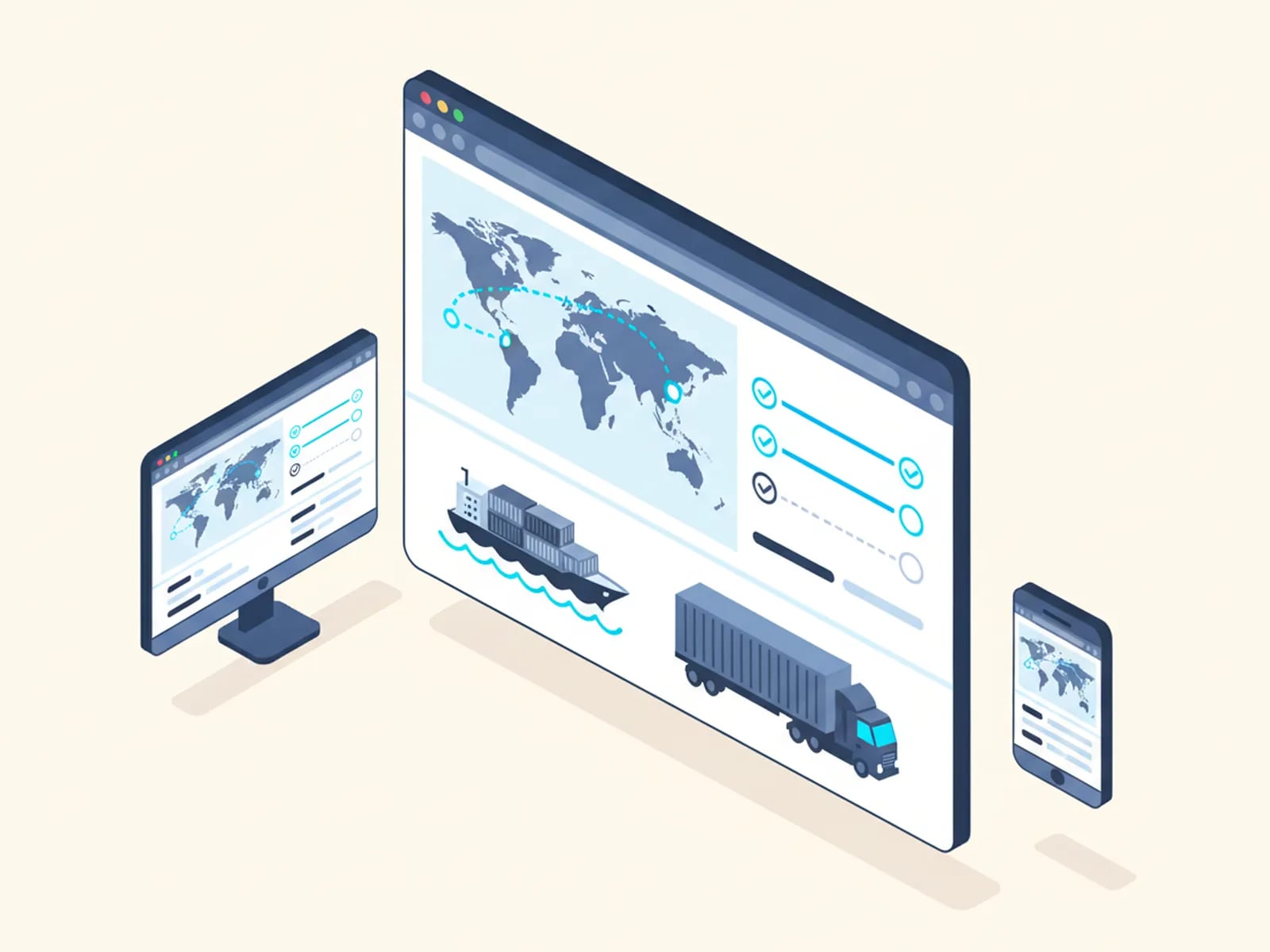
The project at a glance
The Client
Texas International Freight is a US-based freight forwarder. Forwarders sit between shippers and carriers: booking space, tracking cargo, and answering to customers who want to know exactly where their goods are right now. That last part is where this project started.
The Problem
Shipment status lived in people's inboxes and phone calls. A customer wanted to know where a shipment stood, so they called or emailed, and someone on the Texas International Freight team went looking for the answer. A carrier update buried in an inbox. A note from dispatch. A callback once someone tracked it down.
None of that information lived in one place a customer could reach on their own. It sat scattered across whoever last touched the shipment, which meant the answer depended on finding that person before you could give it.
Staff spent hours every day just answering "where is my shipment?" That is time pulled away from the work the business exists to do: booking loads, clearing paperwork, moving freight. And customers had no way to check for themselves. Every question, however small, had to go through a person, and every one of those interruptions cost the person answering it a few more minutes of focus than the question itself deserved.
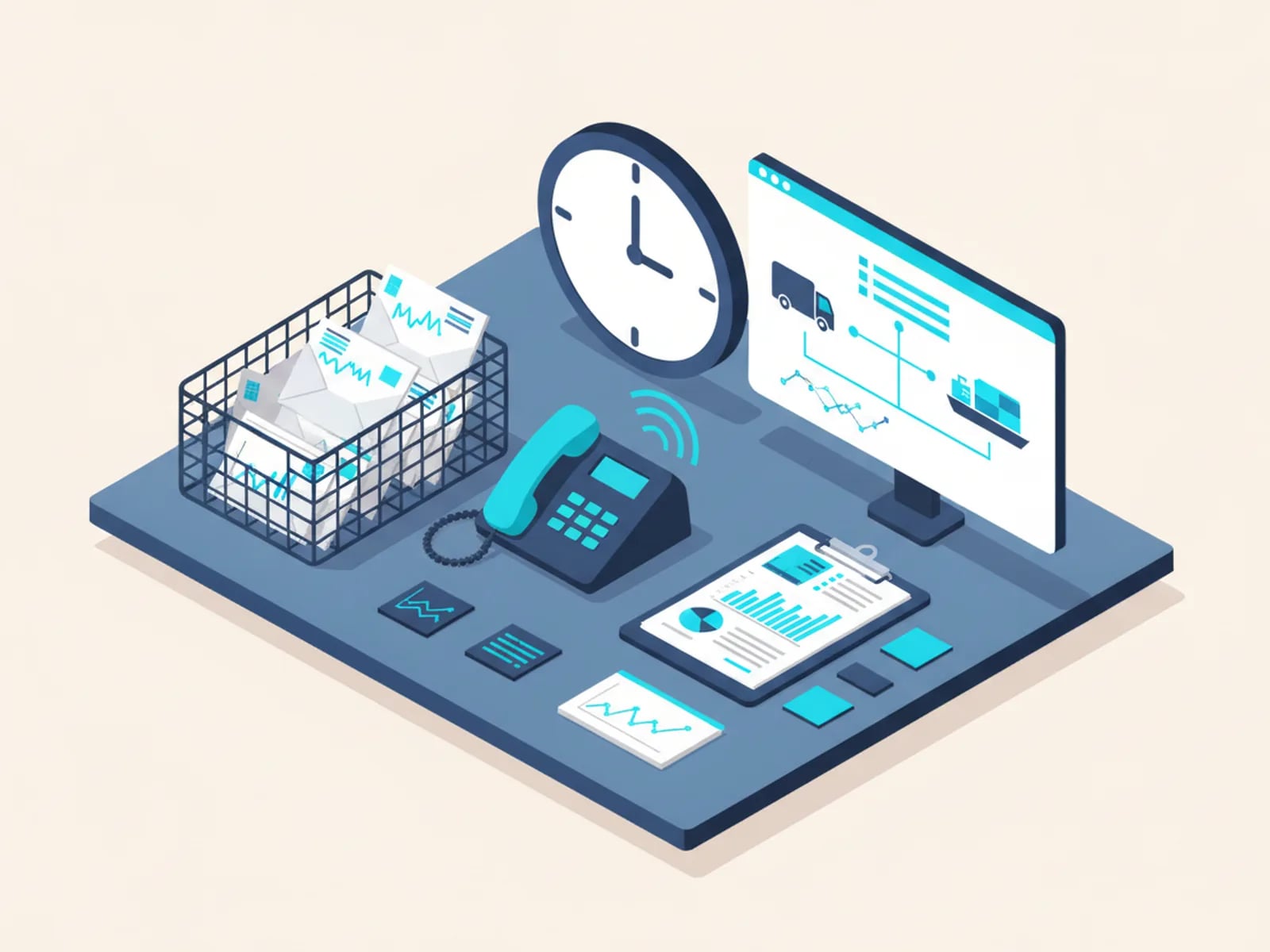
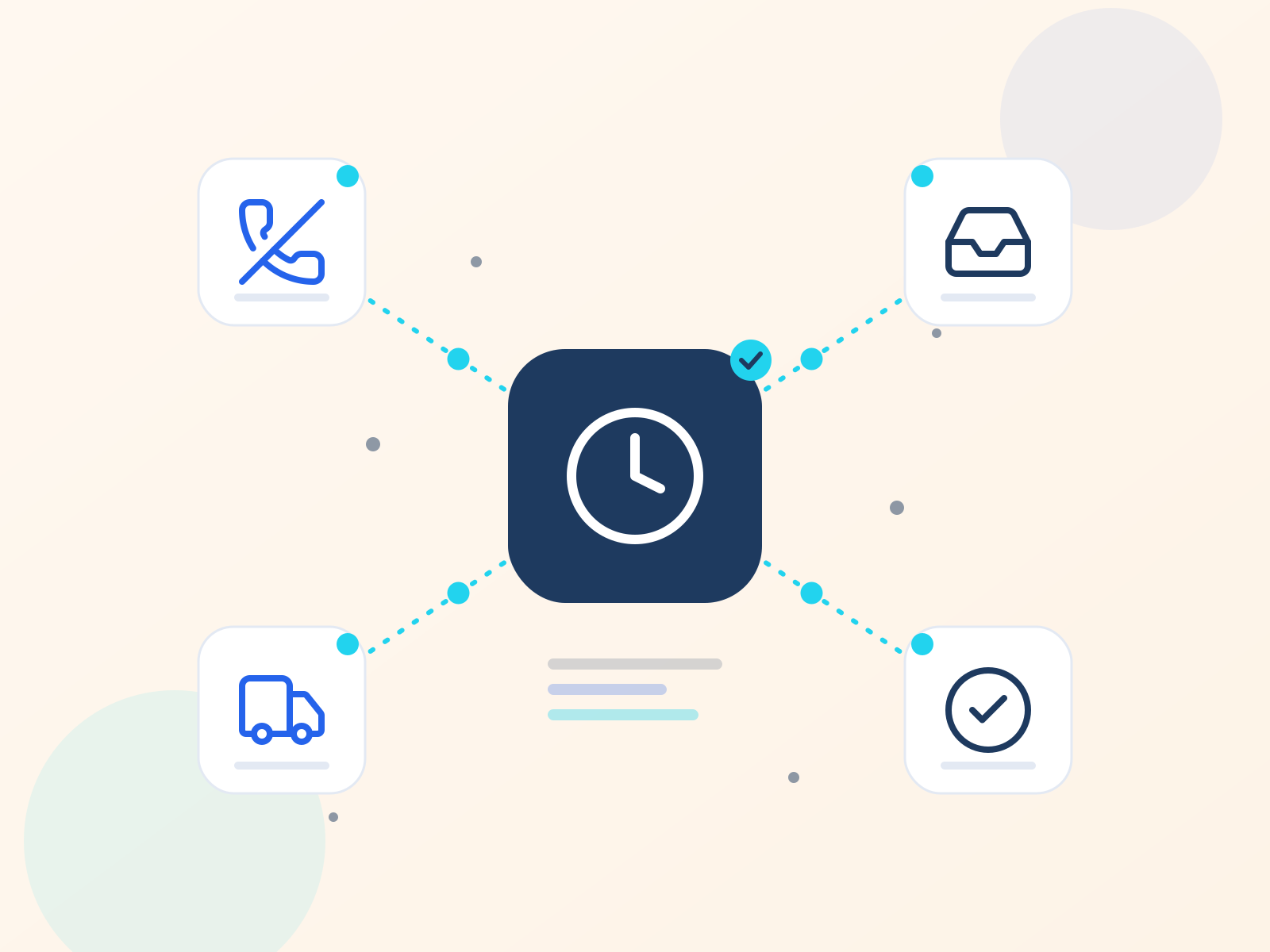
Where shipment status used to hide
Each one meant a person had to go looking.
Inboxes
A carrier update buried in a thread.
Phone calls
Customers called and someone went looking for the answer.
Dispatch notes
A note from dispatch.
Callbacks
A callback once someone tracked the answer down.
The Build
We built a freight-monitoring portal that gives Texas International Freight's own team and their customers the same real-time view of a shipment's status. Instead of a customer calling in and a staff member relaying an answer pieced together from three places, both sides now look at the same screen and see the same thing.
That single change removes the interruption at its source. A customer who wants an update no longer needs a person to fetch it for them, and the team no longer needs to reconstruct a status from memory, email, and a phone call to dispatch. The portal is simply where the answer already lives, for whoever needs to look.
The portal followed the process we run on every project: a written scope, a fixed price, and a delivery date agreed before any code was written. No open-ended estimate, no moving deadline. It shipped in weeks, the way most of our logistics builds do, which meant Texas International Freight was looking at a working system, not a proposal, within a short and predictable window.
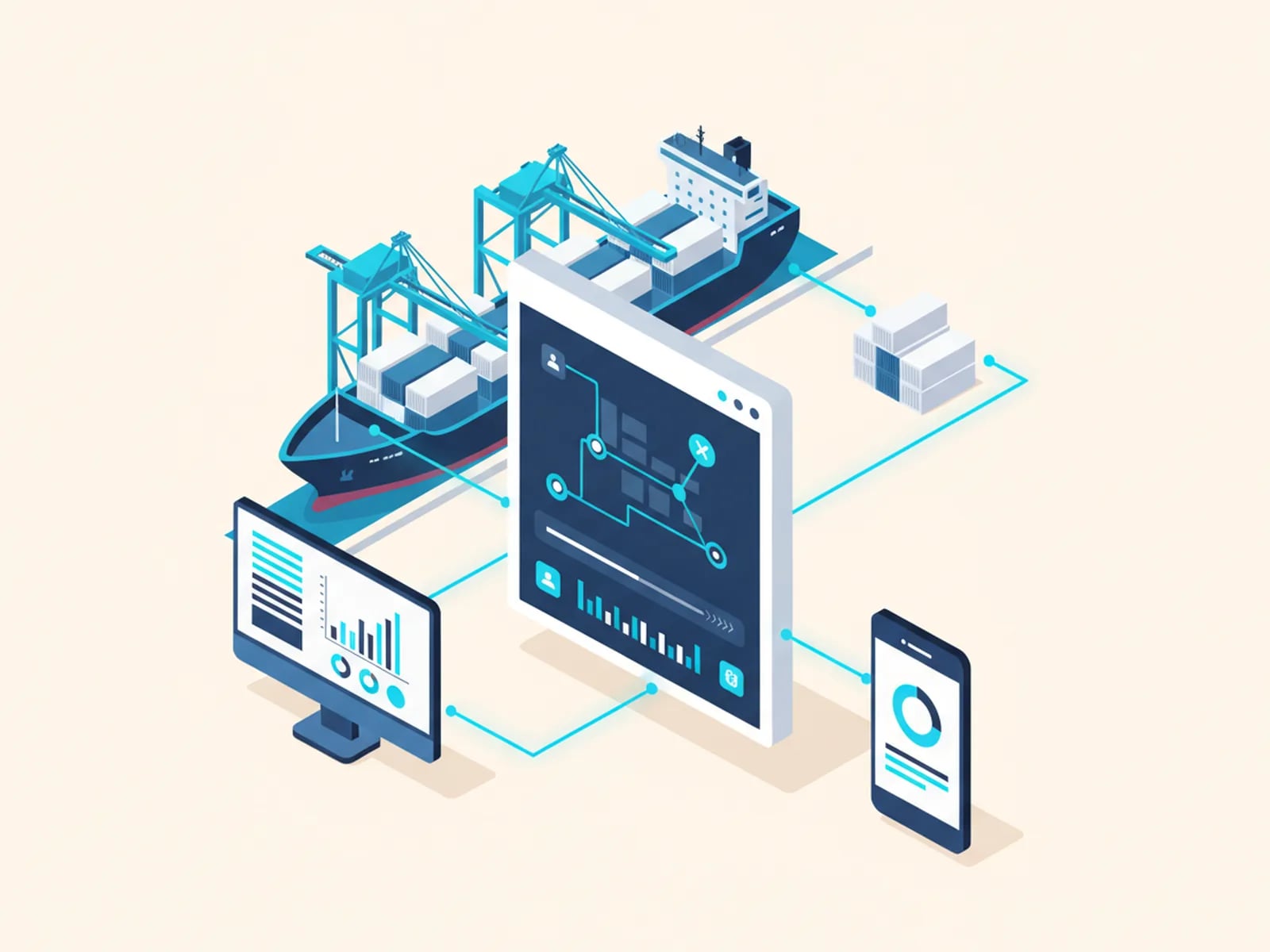
The Result
The portal removed roughly three hours of manual status-chasing every day. That is time the team now spends on actual forwarding work instead of narrating status updates over the phone.
Framed honestly: three hours a day is an average, not a guarantee, and it will vary some days more than others. The claim is not that every phone call stopped. It is that the routine "where is it" traffic (the bulk of what used to eat a staff member's morning) now resolves itself on a screen instead of through a person.
Why It Matters
This is the exact gap our logistics work exists to close. An off-the-shelf platform either does not fit a forwarder's process, or it charges enterprise money for a feature set most of that money never touches. Texas International Freight did not need a new transportation management system. They needed the one screen that was missing: a shared, real-time view of shipment status, sized to a problem they had every day.
Builds like this one follow the same pattern: find the workflow that is actually costing hours, build only that, and hand over software the client owns outright. No per-shipment fee sits on top of the result, and no vendor has to be kept happy for the portal to keep running next year.
The same problem shows up under different names at other forwarders and carriers we talk to: a spreadsheet nobody trusts, a status board someone updates by hand, a customer who has learned to just call and ask. The tool changes shape from company to company. The shape of the fix does not: a scoped build that closes one real gap, fast.
Get Your Own Version of This Result
If shipment status still lives in your team's inbox and your customers' phone calls, describe the workflow to us. We will scope a fixed price and a delivery date measured in weeks, the same way we did for Texas International Freight.